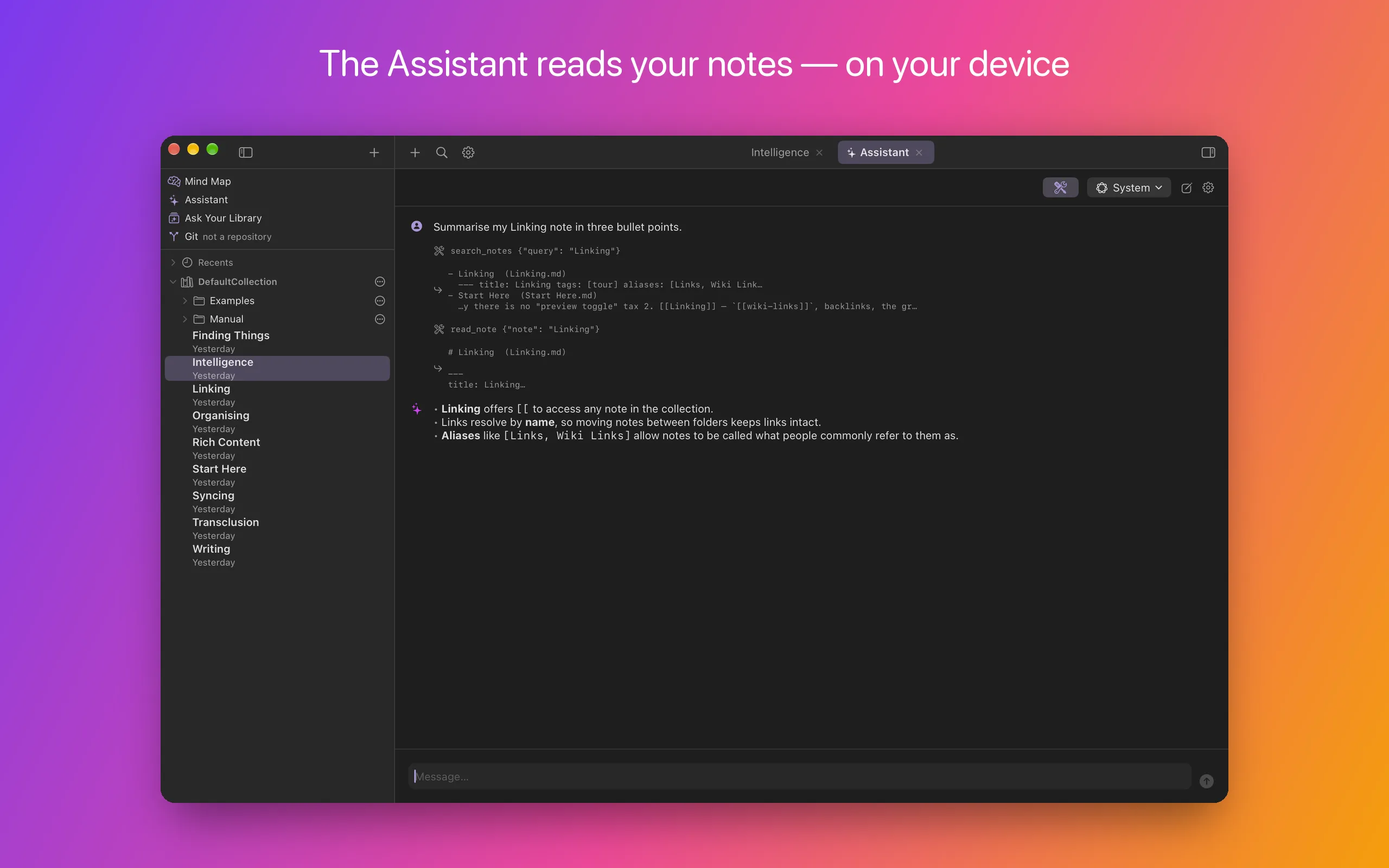
Every shot exists in both appearances. Use the appearance control in the menu bar above to switch — HelloNotes itself does the same, following your device or pinned in Settings.
On the Mac
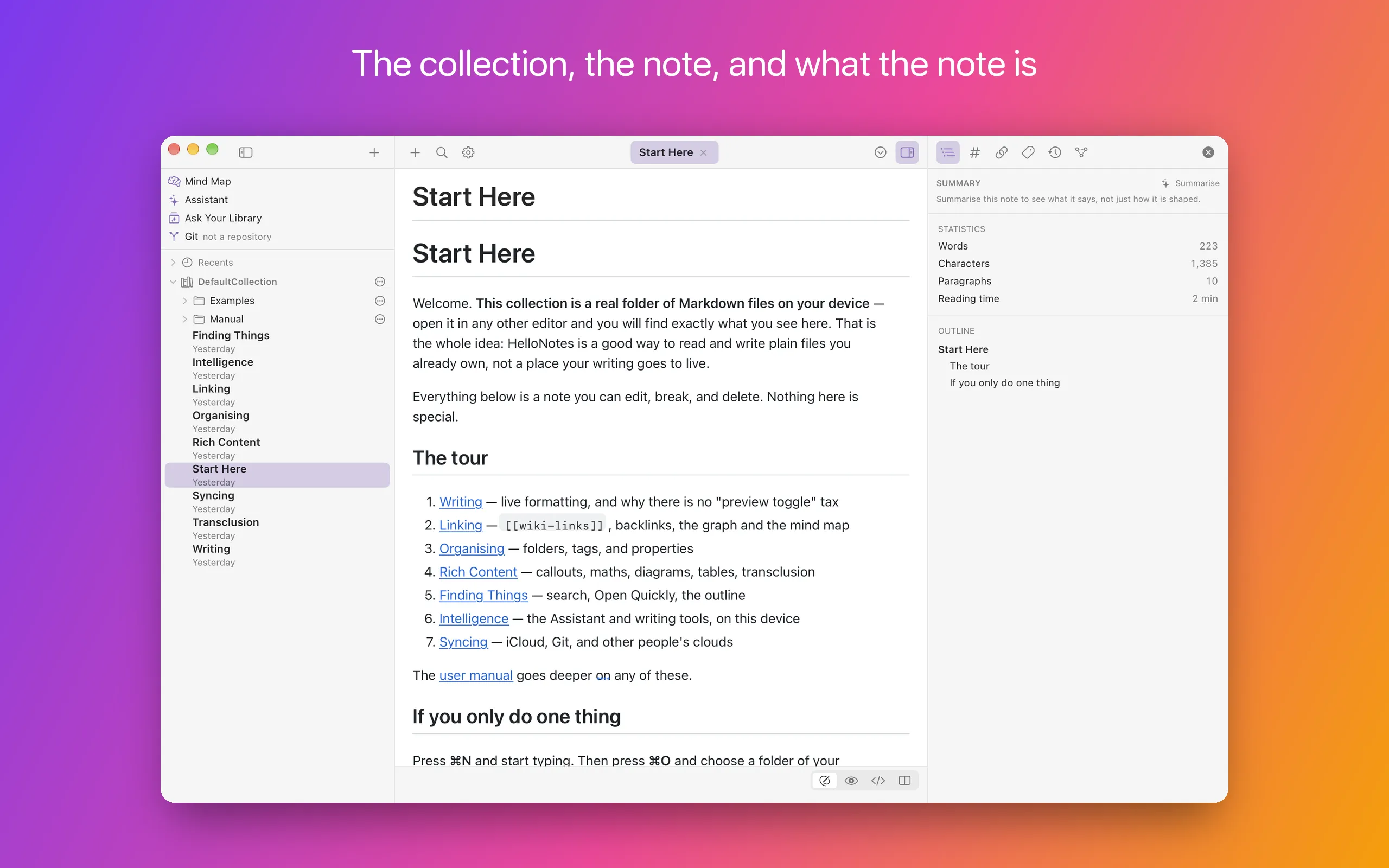
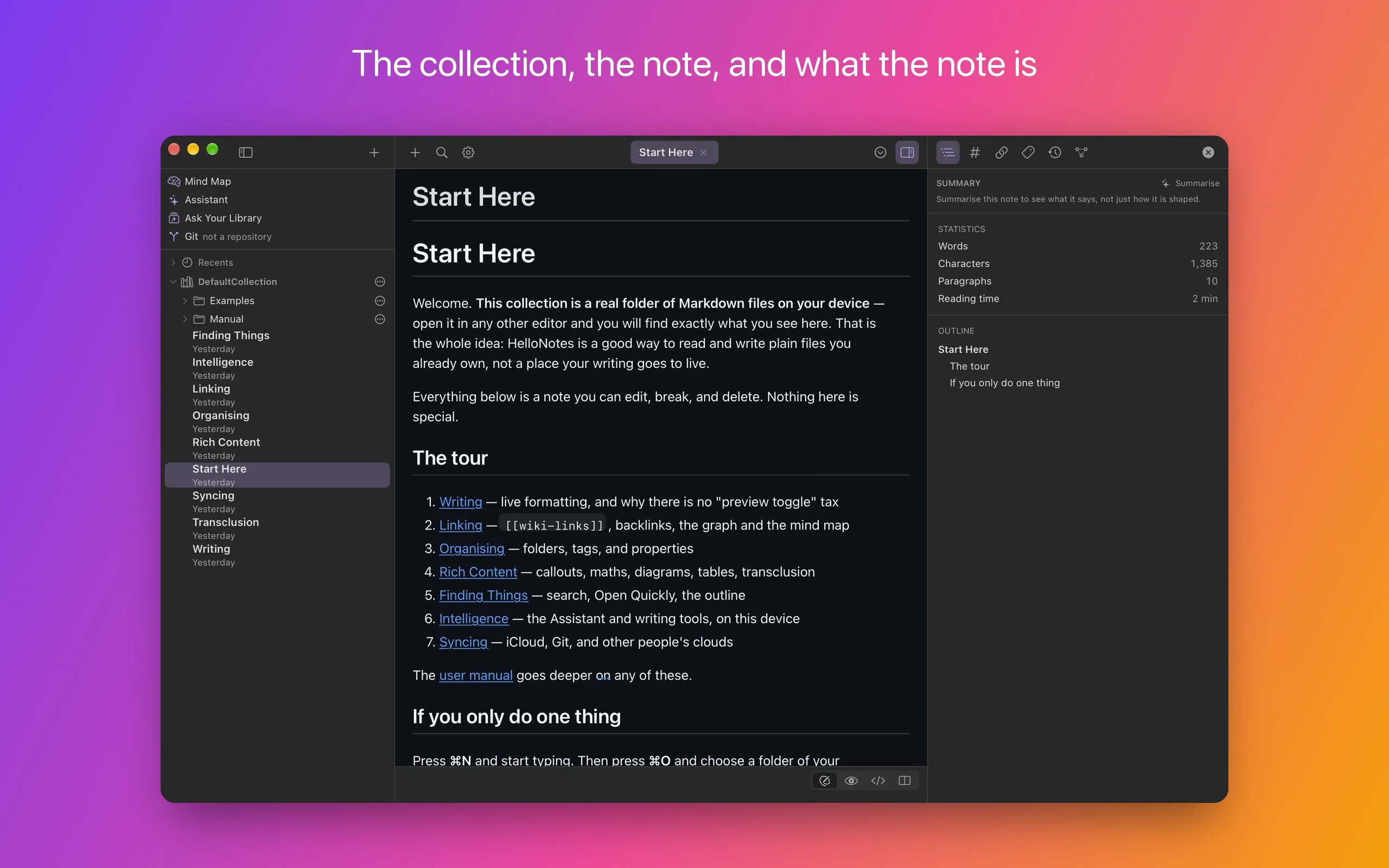
The collection, the note, and what the note is
One window, three parts. On the left the collection — a real folder on your device, shown as it is on disk. In the middle the note. On the right what that note is: its outline, tags, links, properties, history and graph.
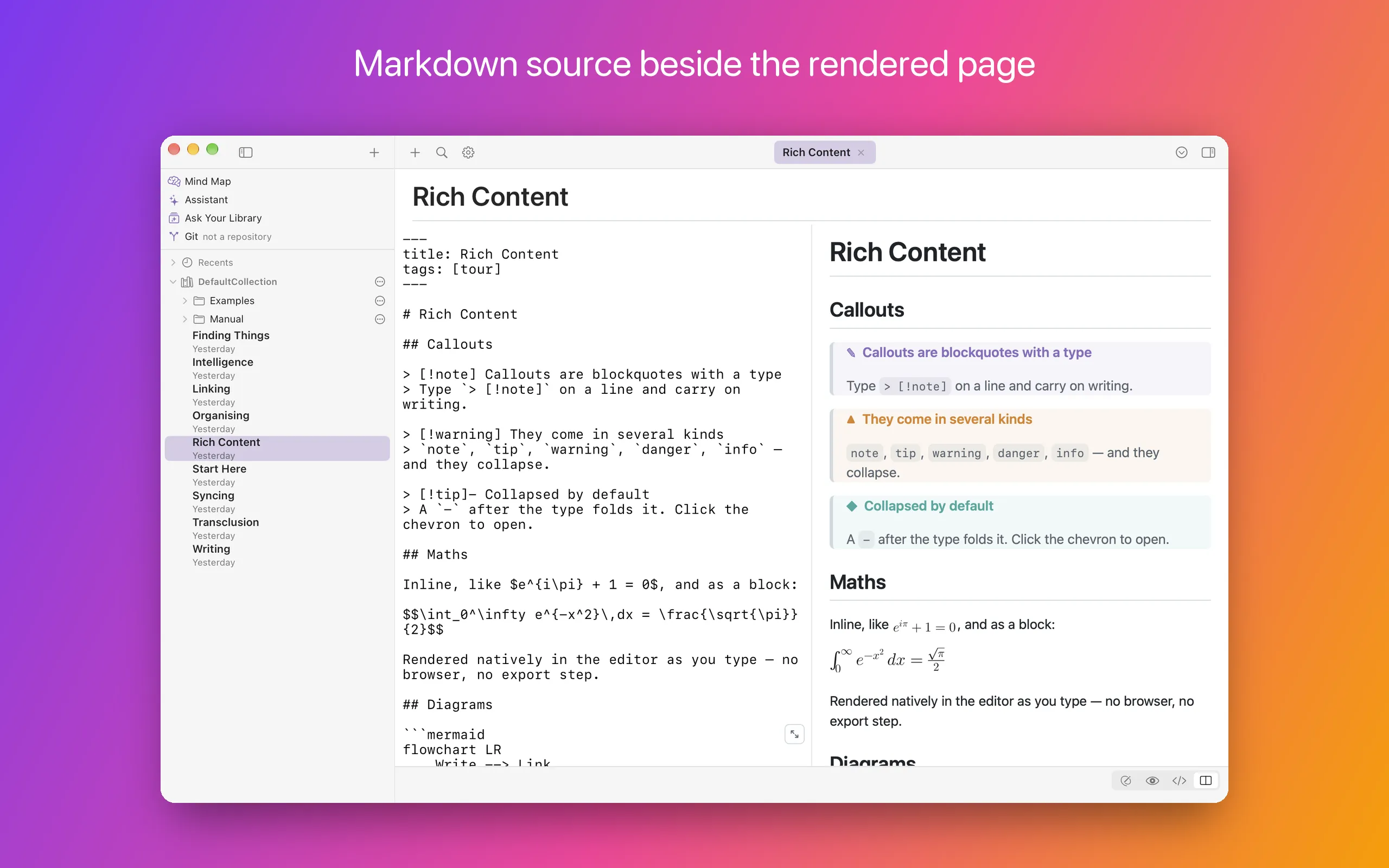
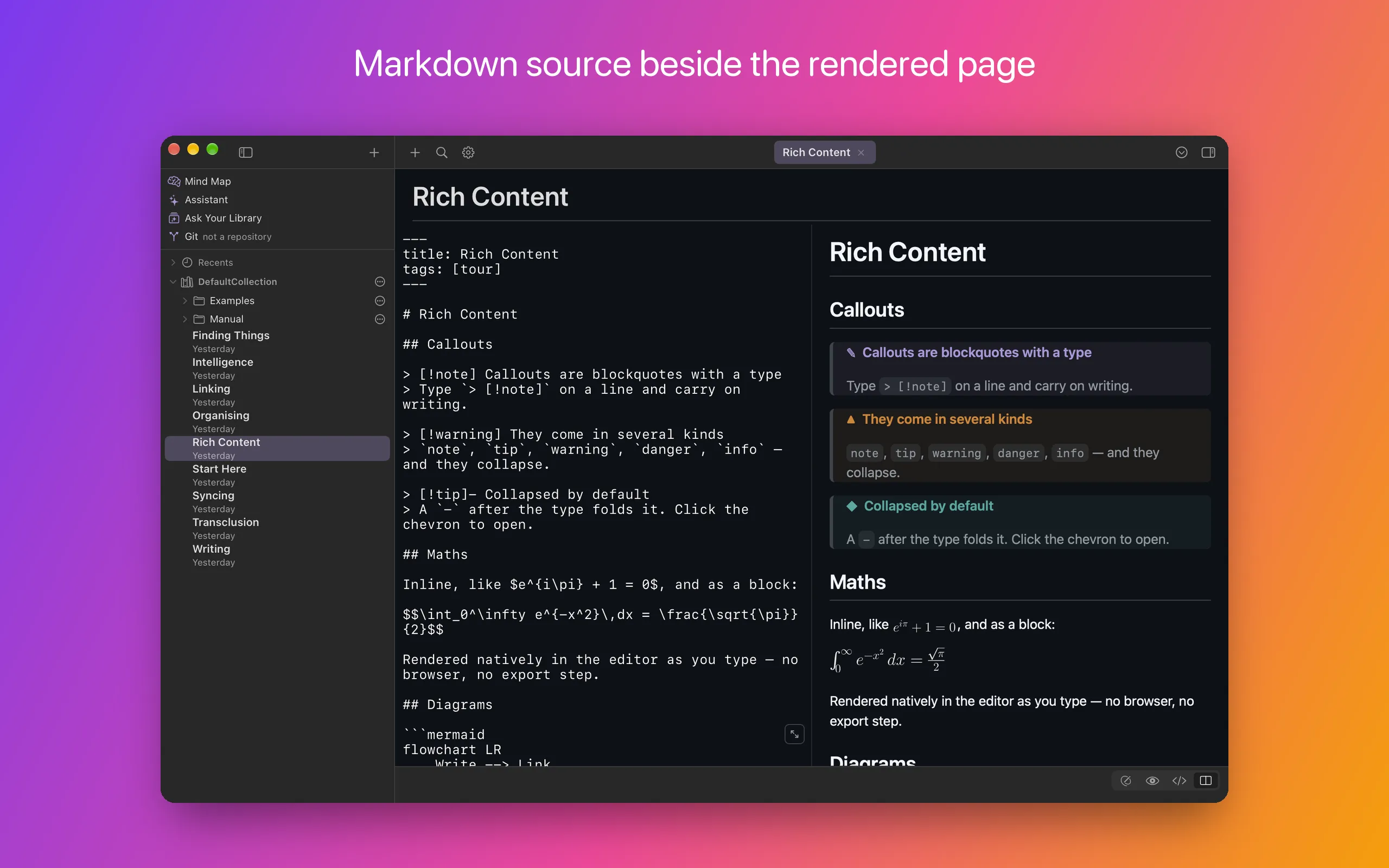
Markdown source beside the rendered page
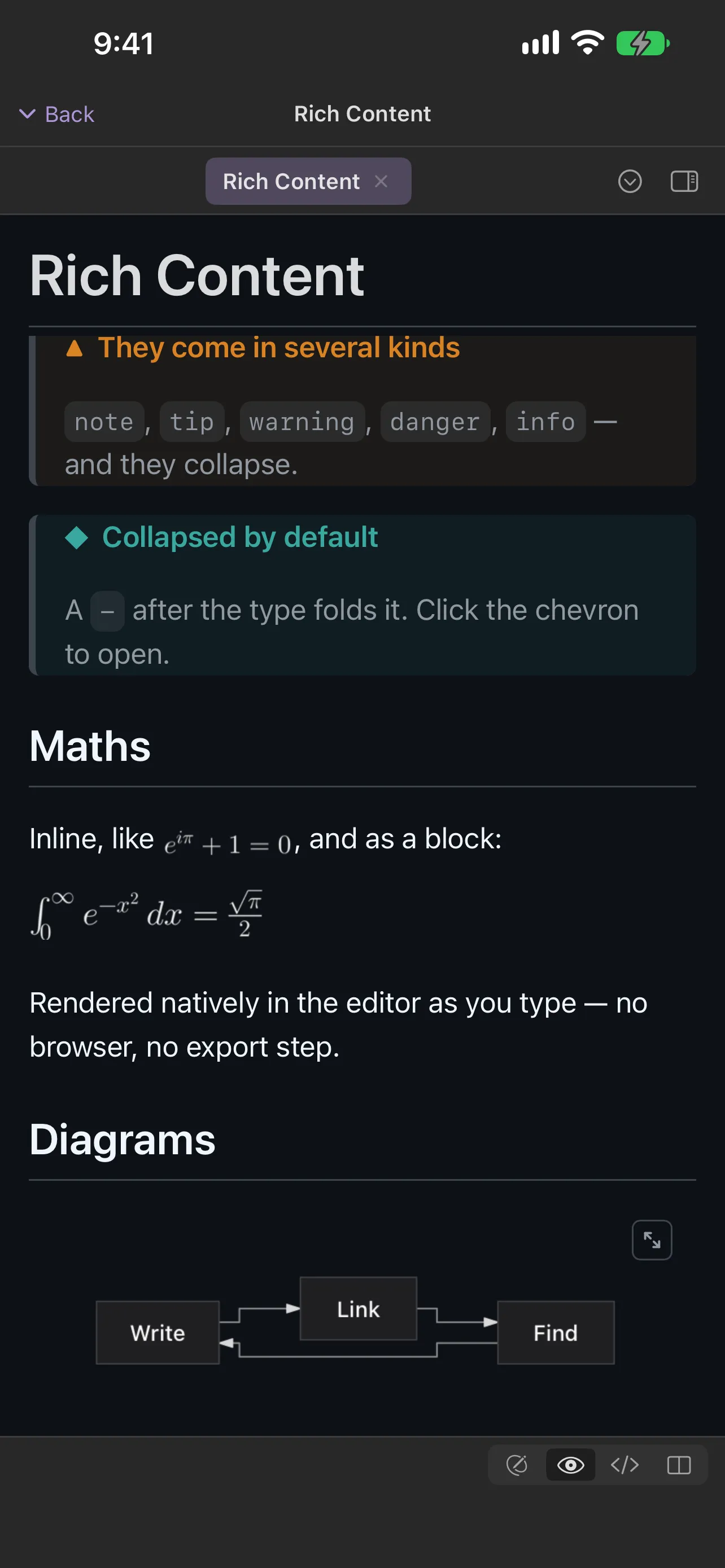
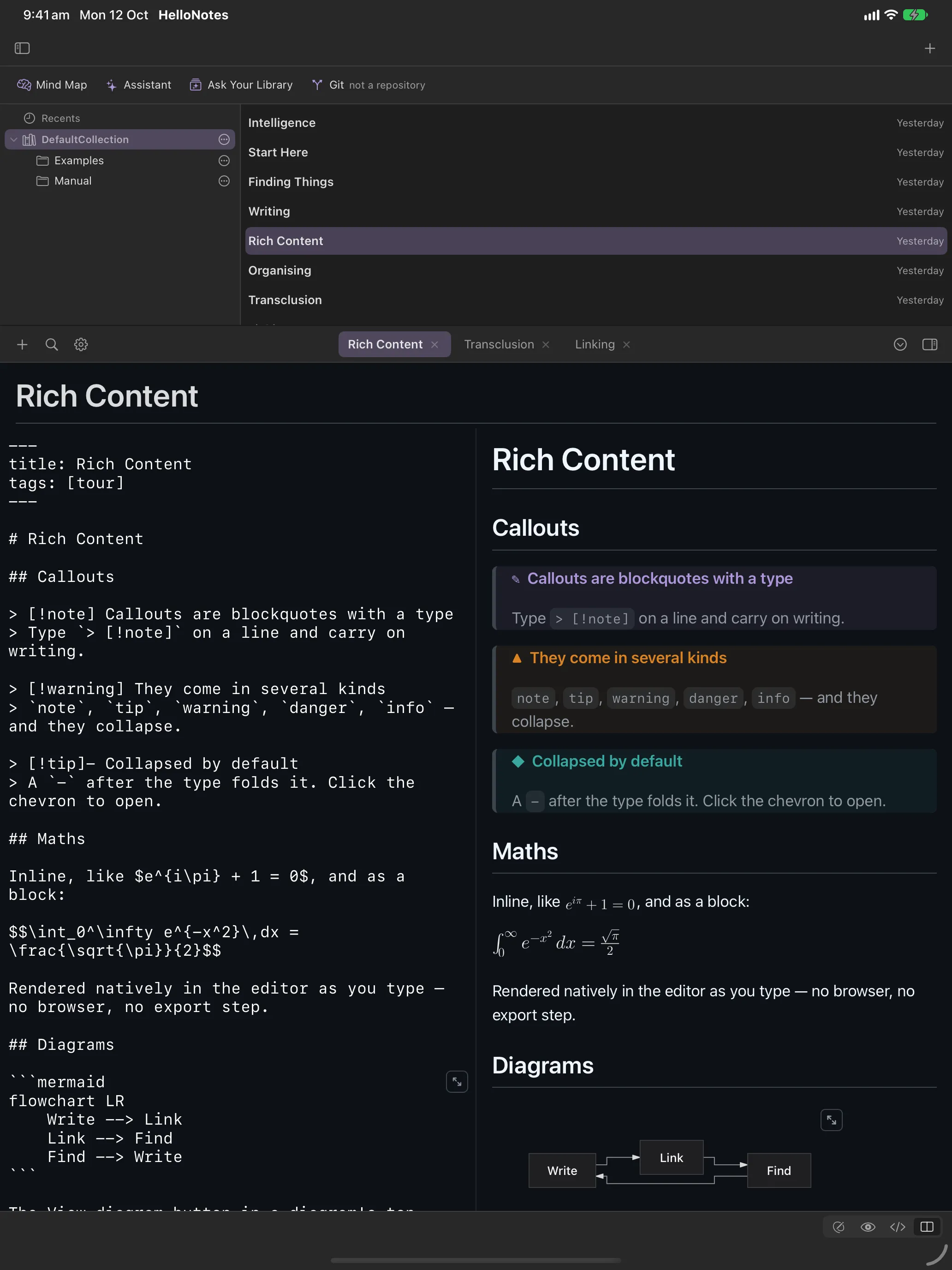
Split puts the Markdown you type next to the page it makes. Callouts, LaTeX maths, Mermaid diagrams, tables and highlighted code are all plain text in the file.
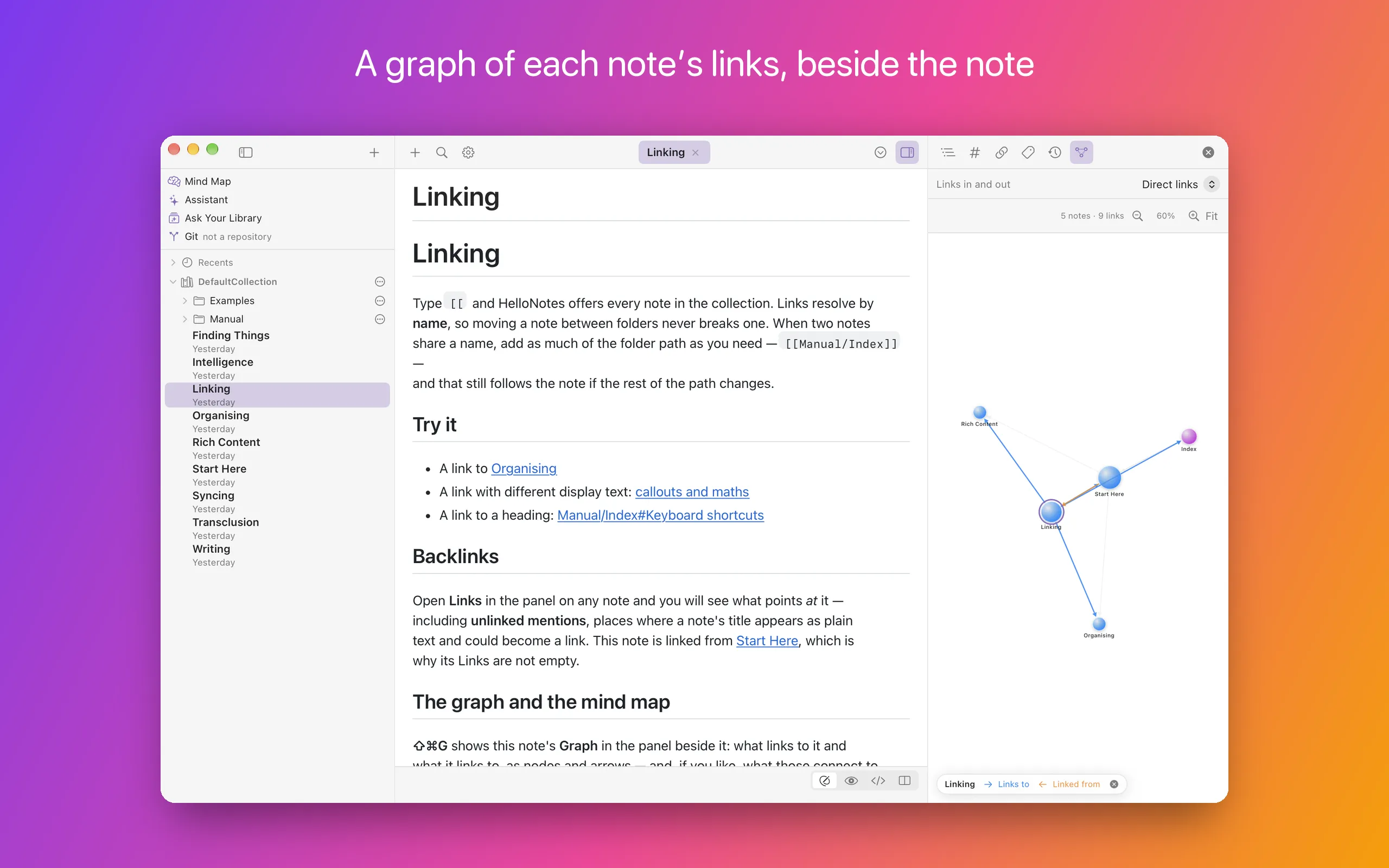
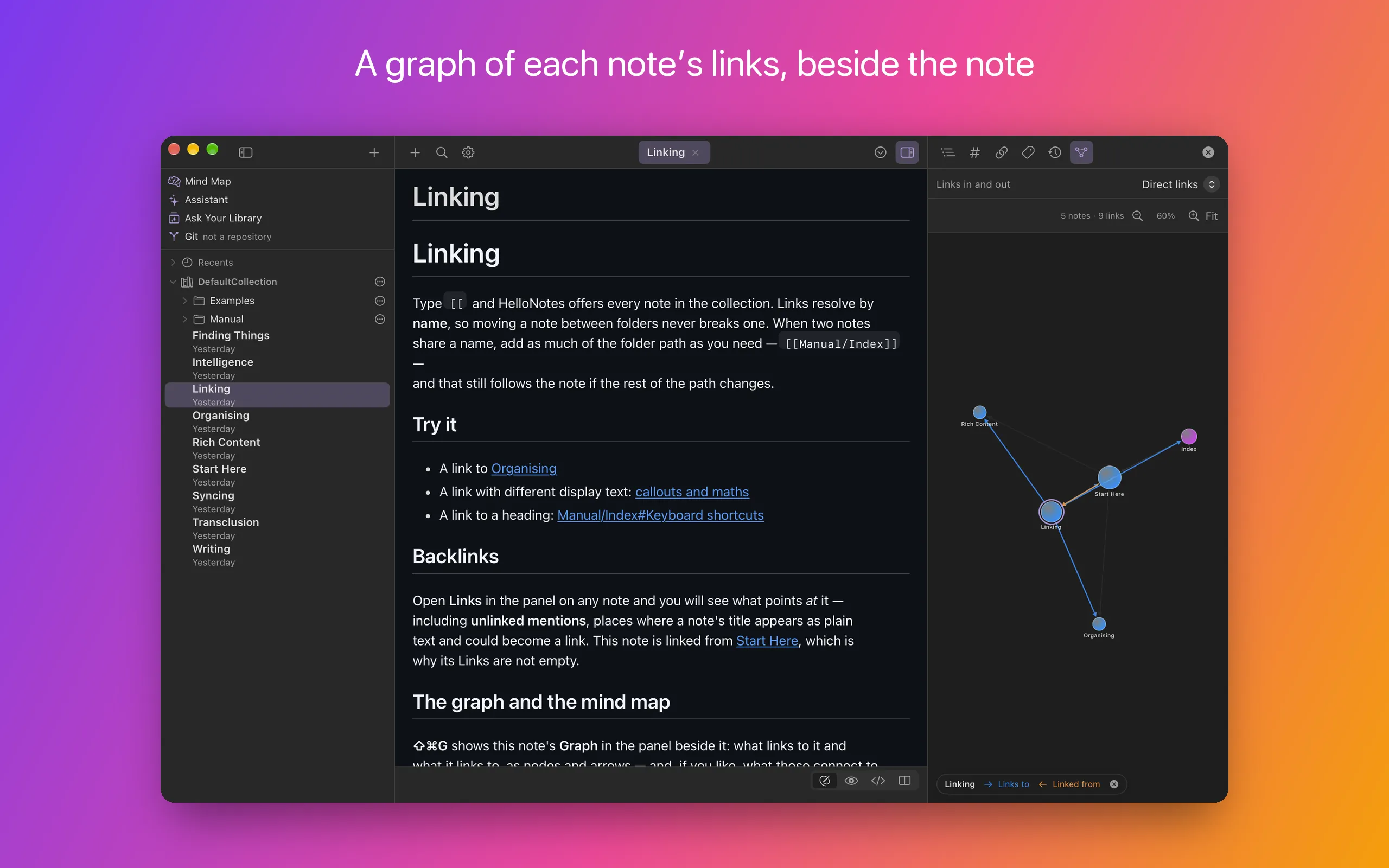
A graph of each note’s links
The Graph is in the panel beside the note it is about: what links to this note and what it links to, as nodes and arrows — and a link or two further on, if you ask.
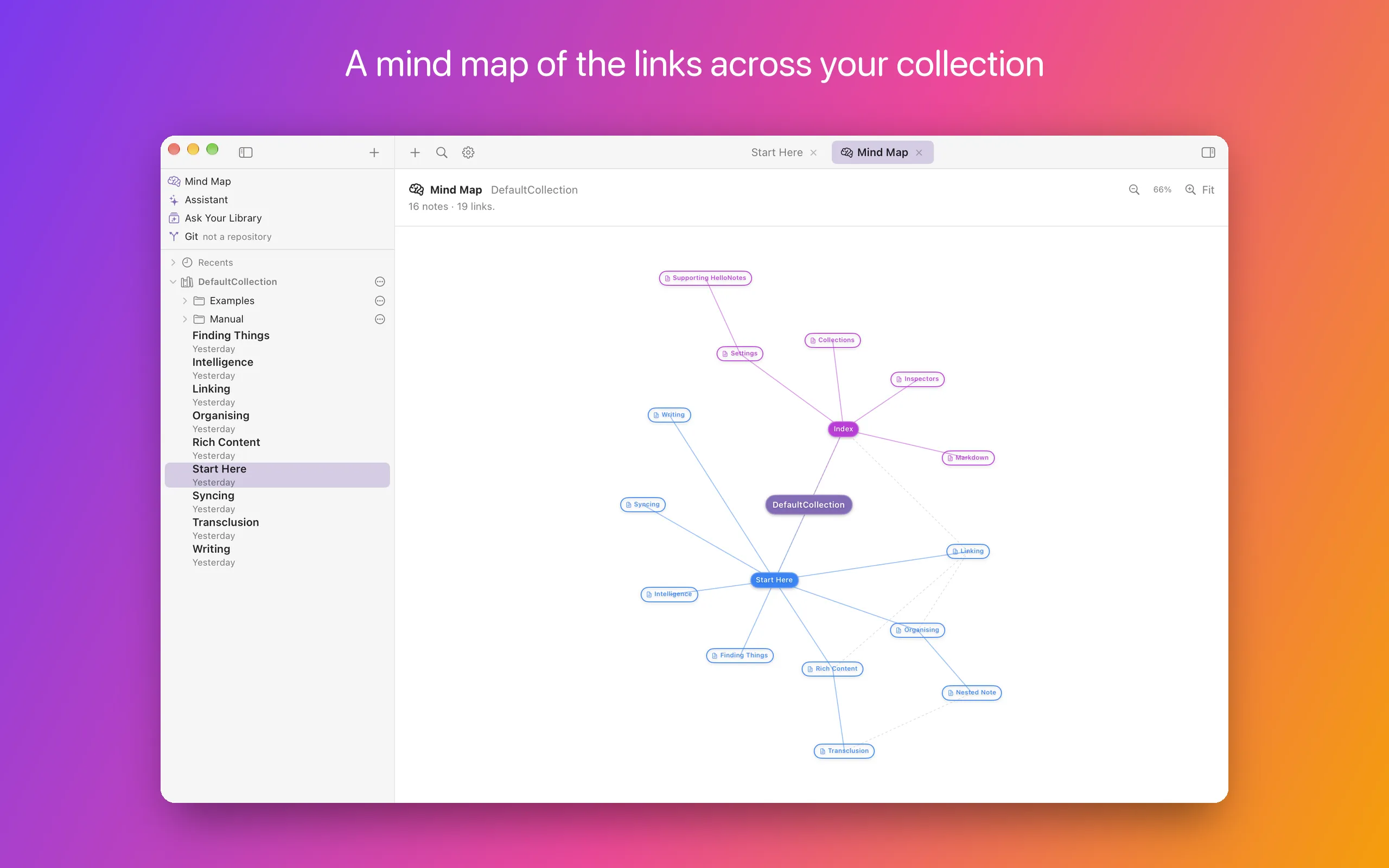
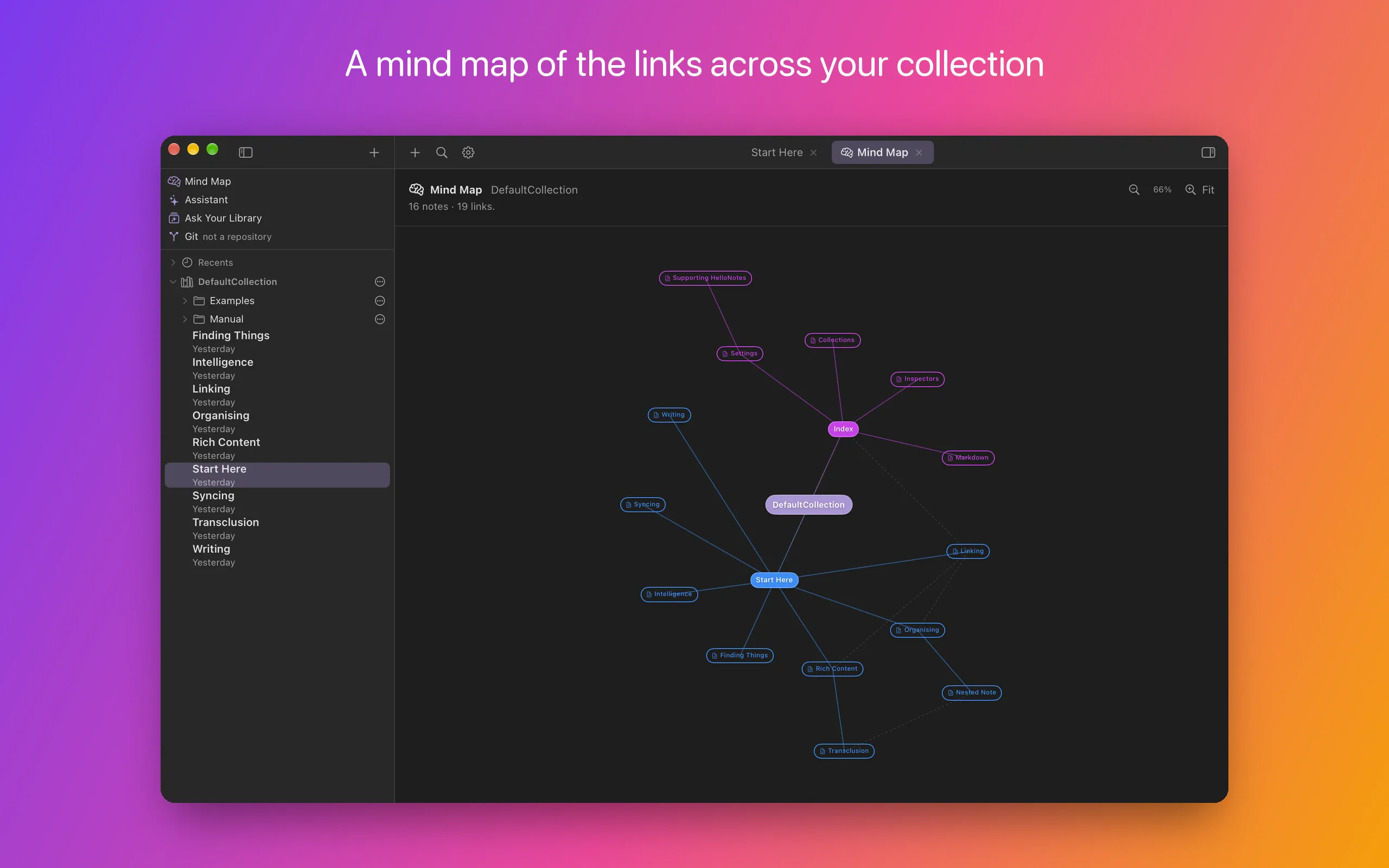
A mind map of the whole collection
The Mind Map draws the links across a collection as a mind map, in a tab of its own beside your notes: the collection at the centre, its best-connected notes heading the branches, and the links the branches leave out as dashed lines.
An Assistant that reads your notes first
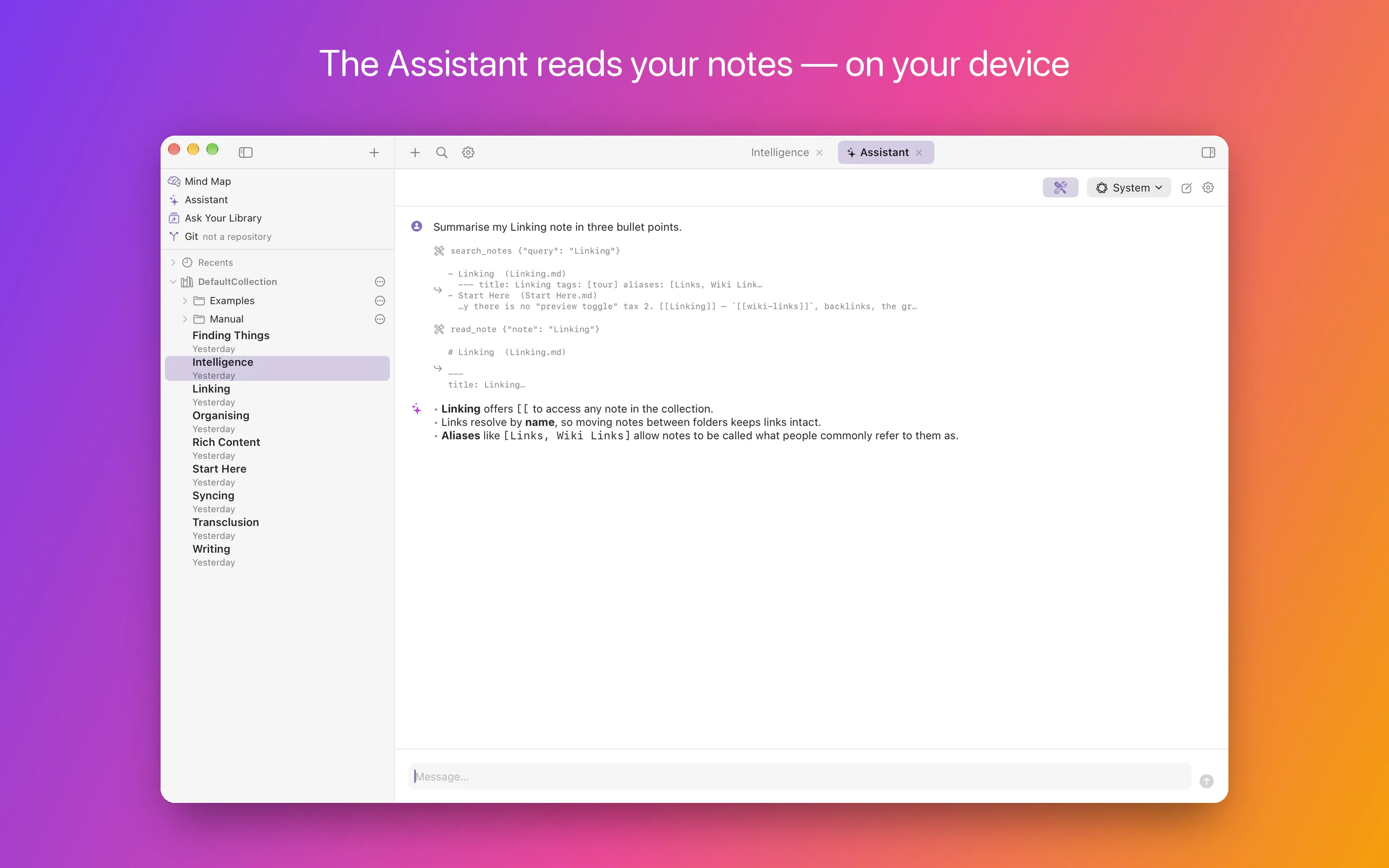
Ask the Assistant about your collection and it searches and reads your notes before it answers, showing each step — here on Apple’s model, on the device. It doesn’t change your notes.
On iPhone and iPad
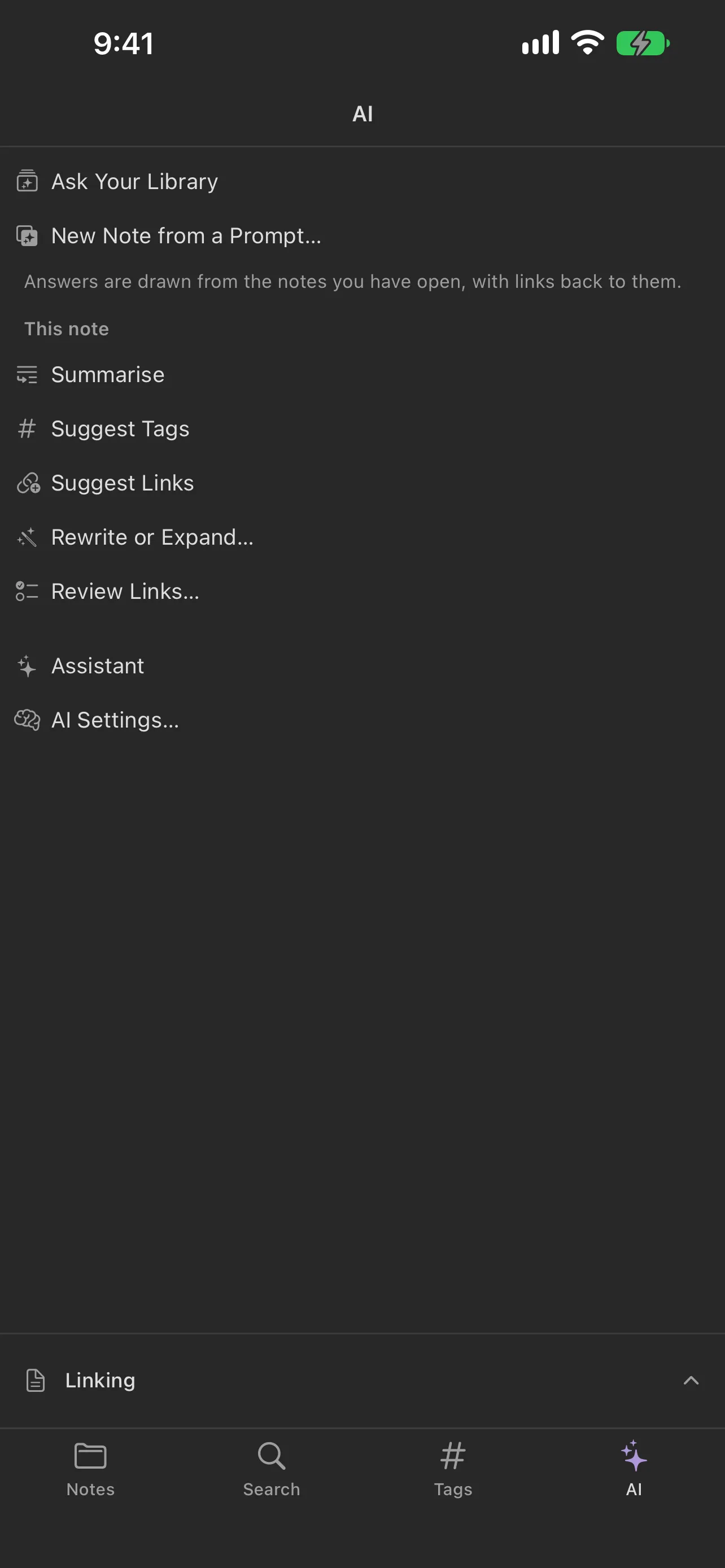
The same app over the same files. Notes in a folder you choose sync however you already sync — iCloud Drive, Dropbox, a Git remote — and nothing passes through us.
Screenshots show HelloNotes 1.3.5. Interested in how it all works?