The editor
Markdown that styles itself as you type
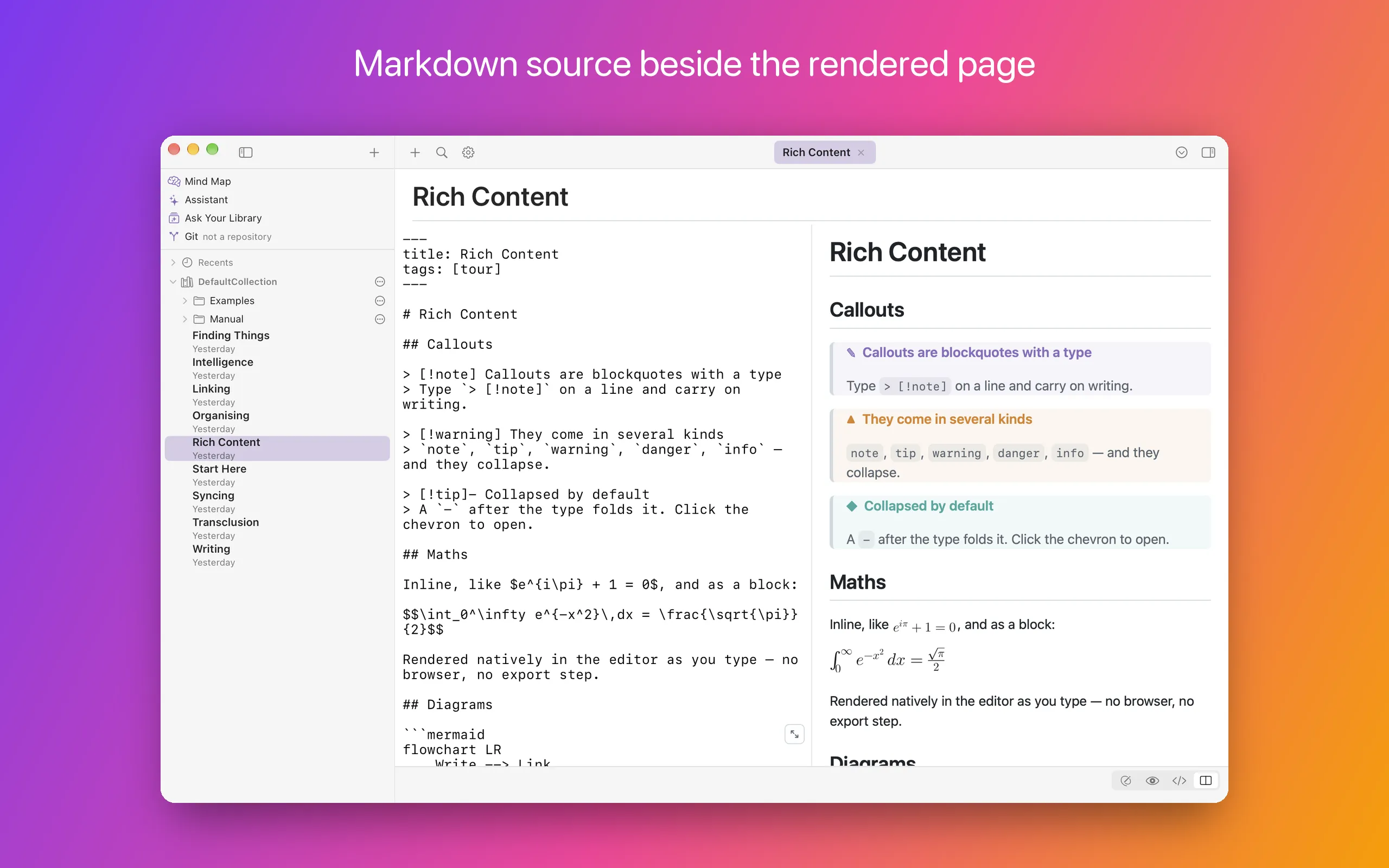
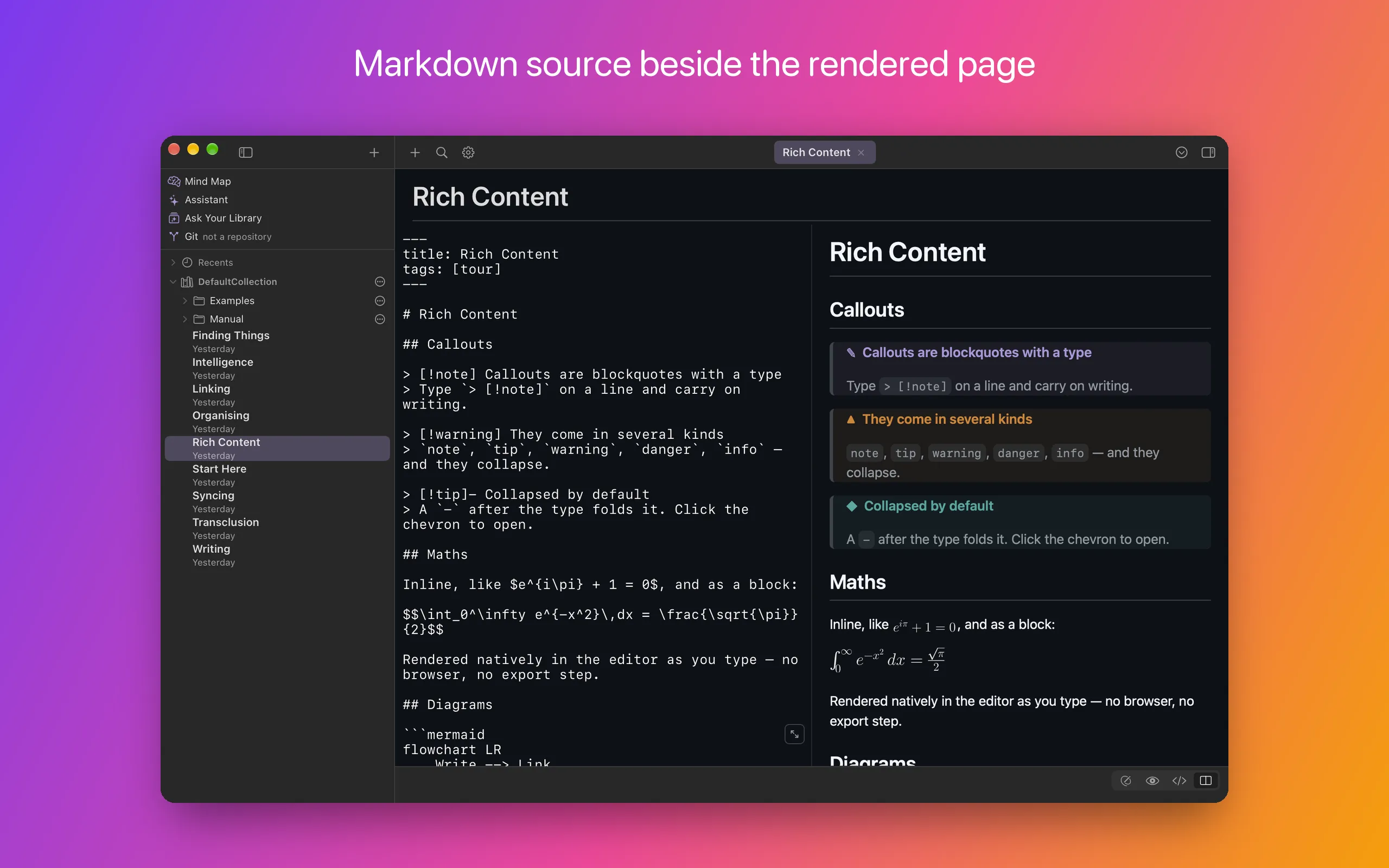
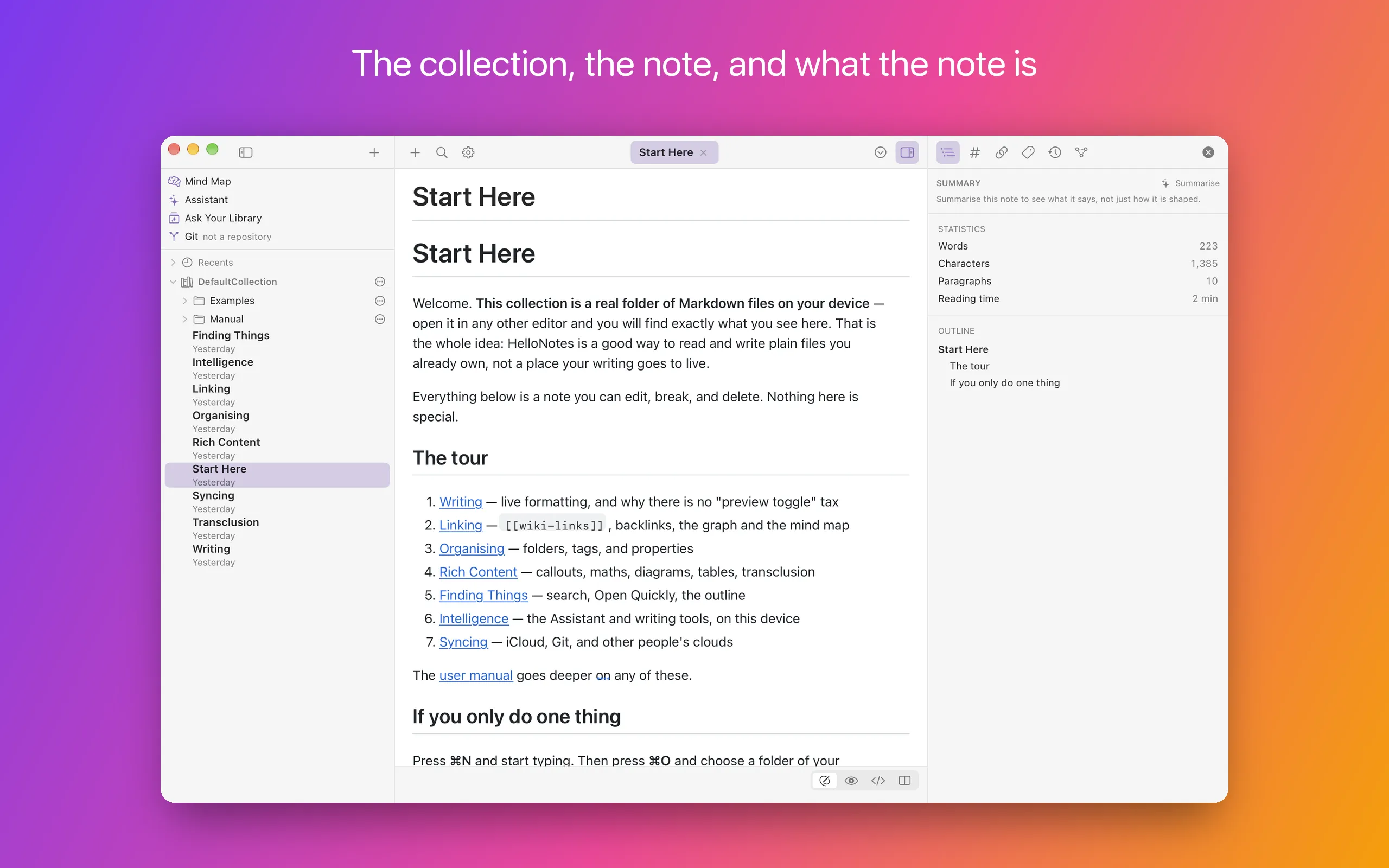
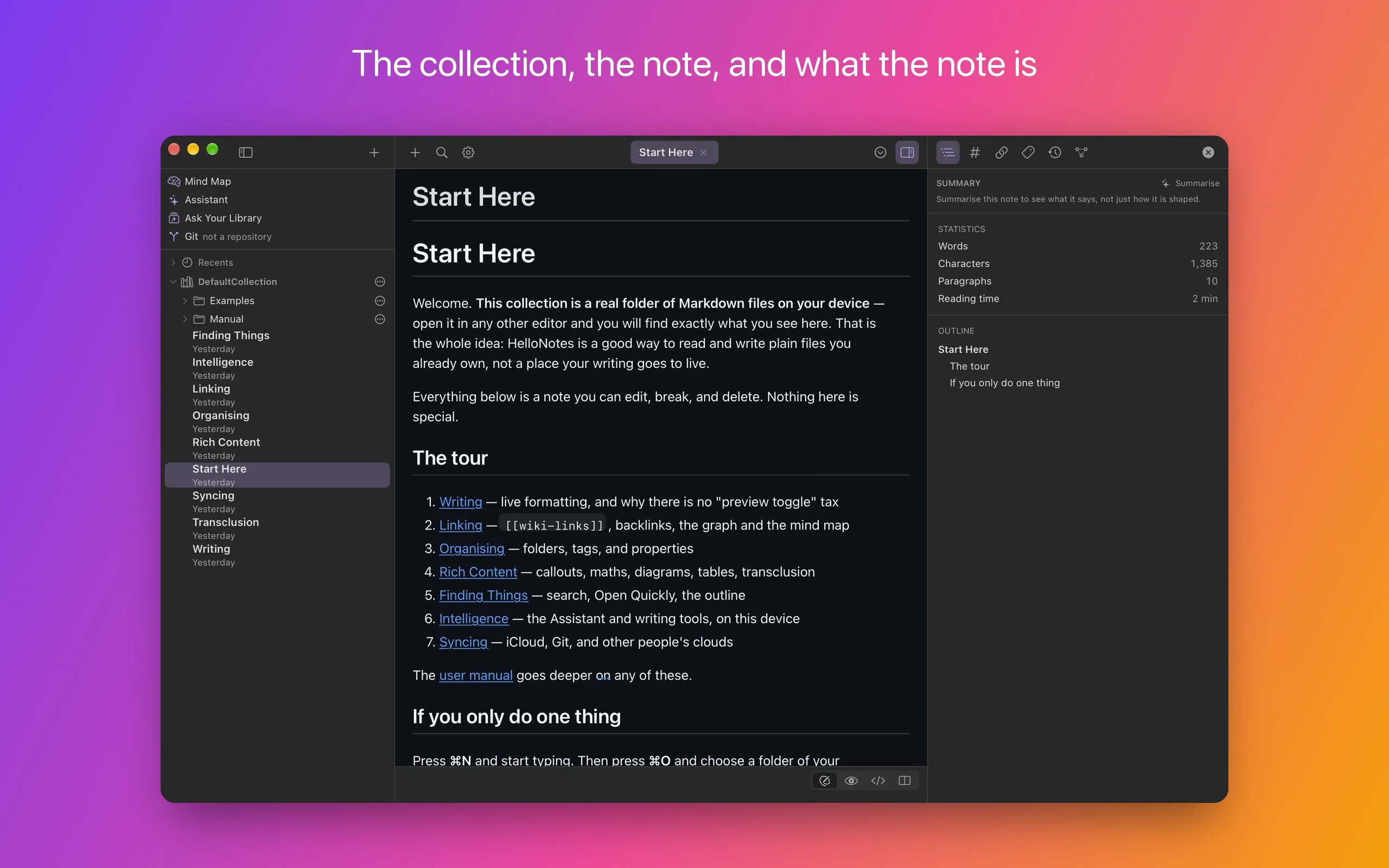
The editor is a real native text view built on TextKit 2 — not a web view pretending to be one. Headings, emphasis, lists, task lists, tables and footnotes take on their formatting as you type, while the underlying file stays exactly the Markdown you wrote.
Move the caret into a construct and its syntax is revealed for editing, then tidied away when you leave. Code blocks are syntax-highlighted, LaTeX maths and Mermaid diagrams render inline, callouts collapse, and front matter is hidden behind the typed, editable Properties view of the panel.
- Four view modes: Edit, Preview, Markdown source and Split
- GitHub-identical Preview, rendered with the same engine GitHub uses
- Find and replace, with regular expressions when you want them
- Lists that continue on Return, and a long note that scrolls on past its end
- Tabs for open notes, and any note in a window of its own
- Export a note to HTML or PDF
- Marp front matter turns a note into a slide deck
Knowledge graph
Notes that know about each other
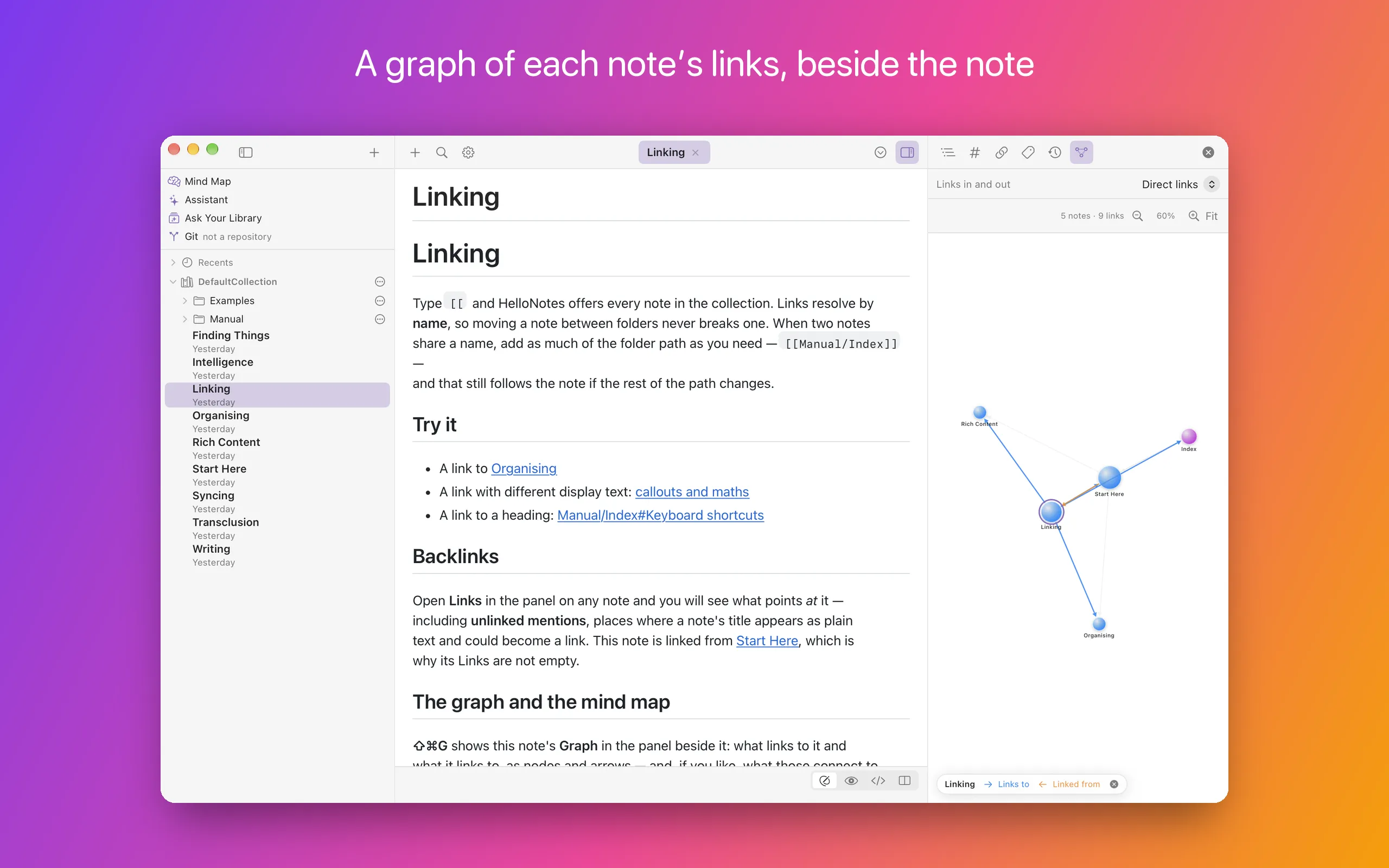
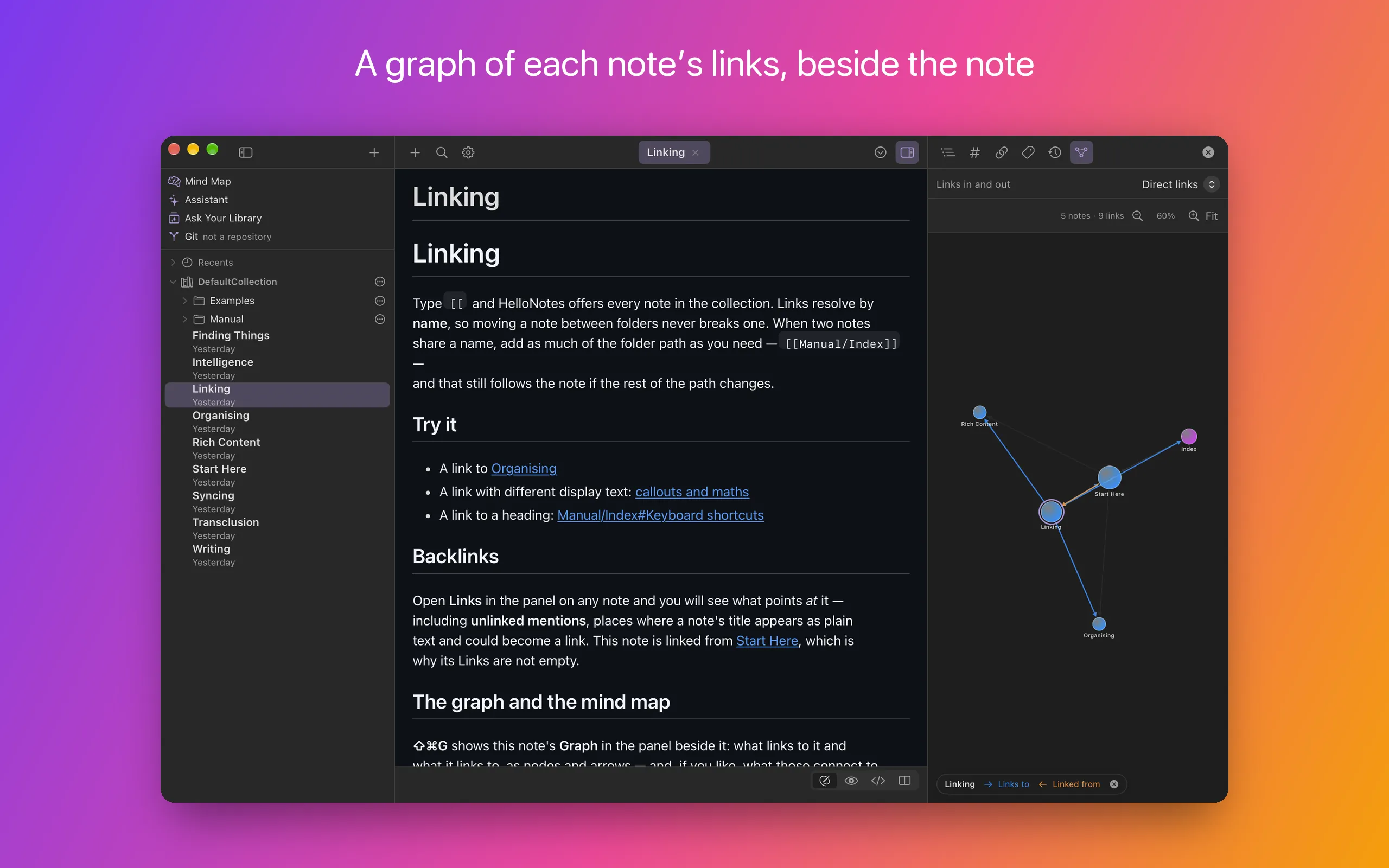
Link notes with [[wiki-links]], complete with autocomplete, aliases and links straight to a heading. Every note shows what links to it, what it links out to, and which notes mention it without linking yet — a mention of its title linkable in a click.
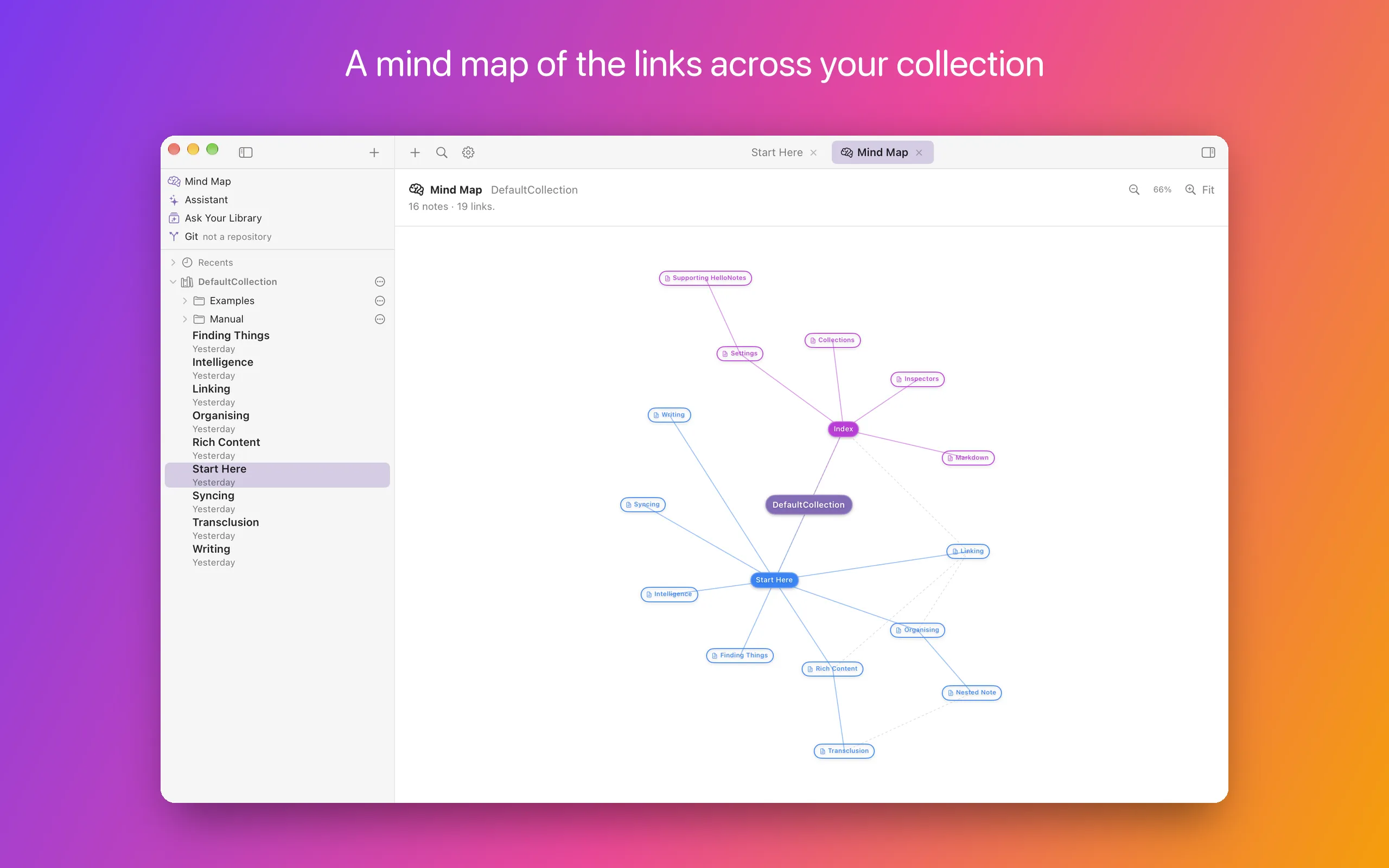
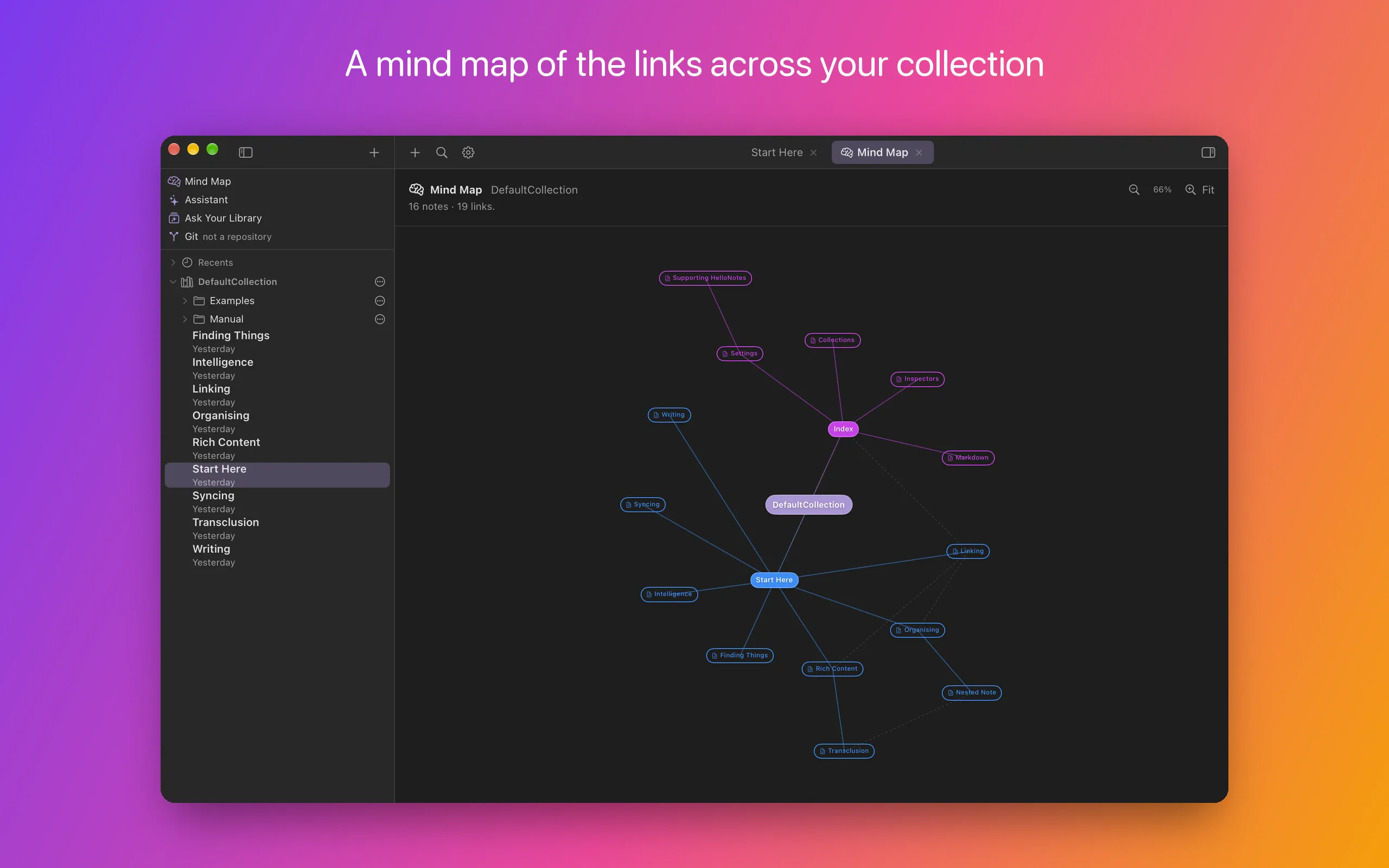
Each note has a Graph in the panel beside it: what links to the note and what it links to, as nodes and arrows you can trace — one link deep, or two or three. The Mind Map is the picture of the whole collection: the links across it, drawn as a mind map in a tab beside your notes.
- Wiki-links with autocomplete, aliases and heading targets
- Backlinks, outgoing links and unlinked mentions
- Note transclusion — embed a note or a single section inline
- A graph of each note’s links in and out, with focus tracing
- A mind map of the links across the whole collection
Organise & find
Structure when you want it
Open several collections at once as a library, with a launcher, recents and saved library sets. Existing Obsidian vaults open directly — there is no import step, because there is no proprietary format to import into.
Find things by full-text search with snippets, by fuzzy-matching a title in Open Quickly, or by nested tags with autocomplete. Bookmark what you return to, and let daily notes and templates handle the repetitive structure.
- Multi-collection library with saved sets and recents
- Obsidian vaults open as-is
- Full-text search, Open Quickly, nested tags, bookmarks
- Daily notes and templates with date tokens
- Attachments (PDF, images, CSV…) open in a native viewer
Intelligence
AI where you would look for it
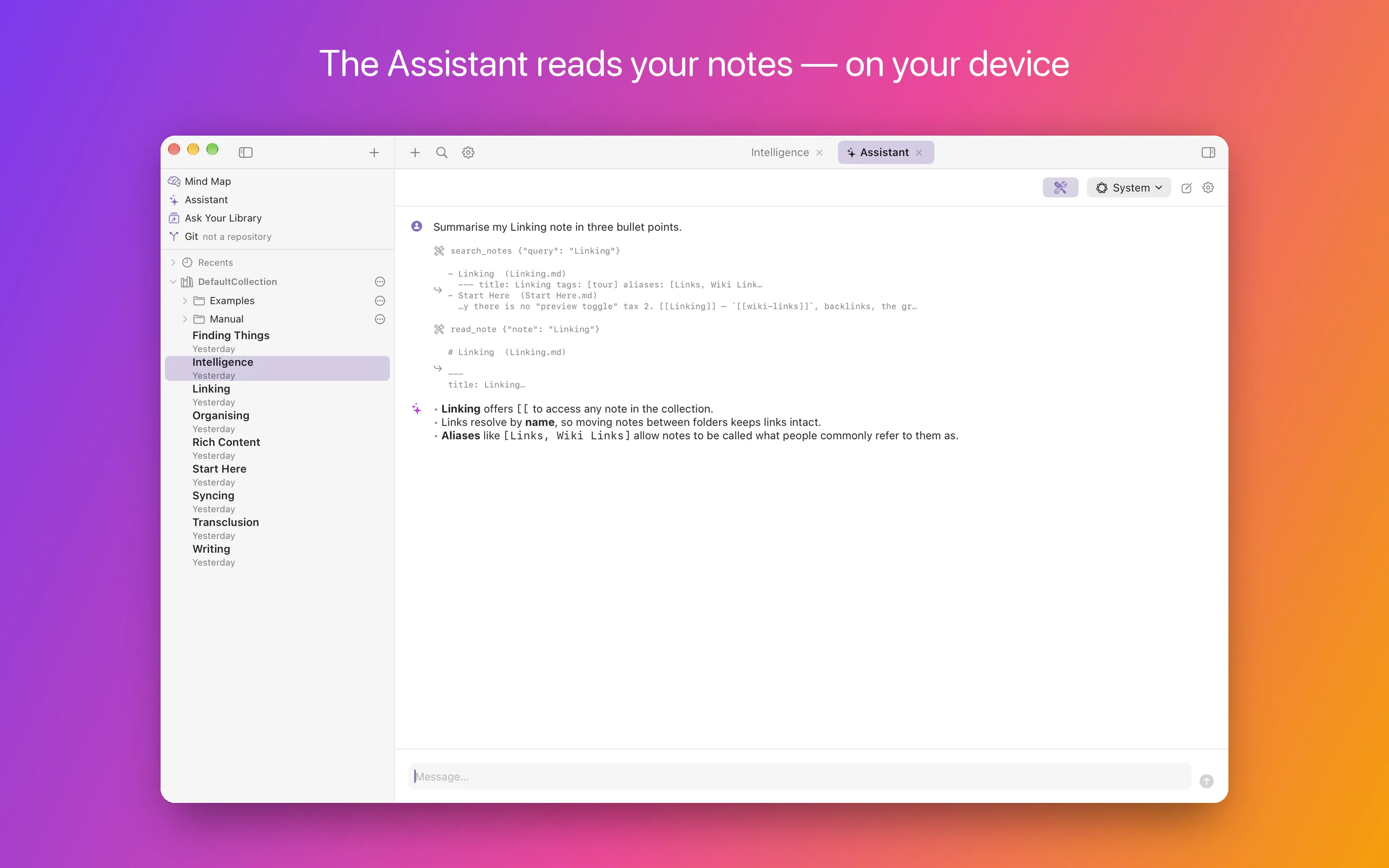
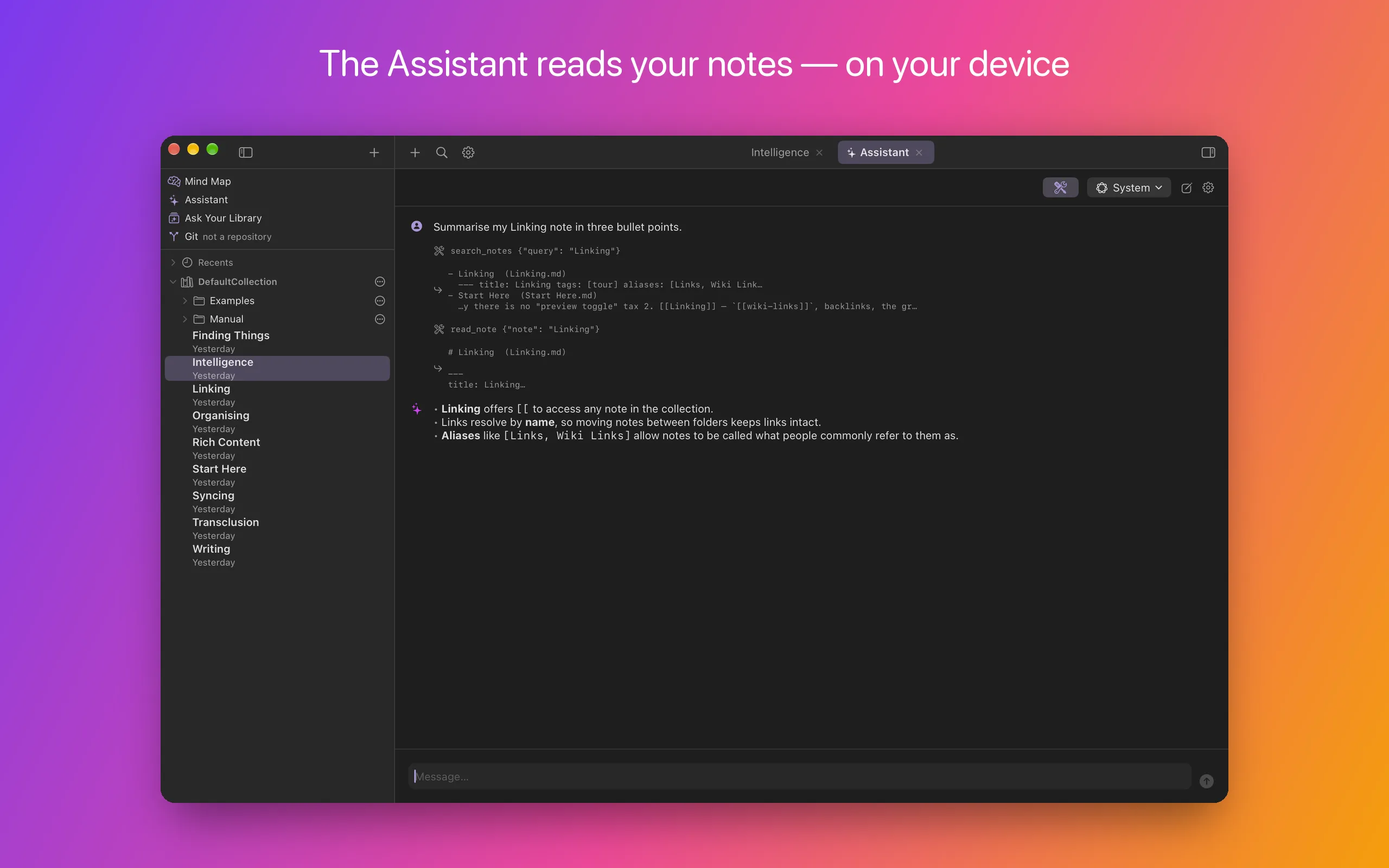
Summarise a note, suggest tags or links, rewrite a passage, or ask the Assistant a question and get an answer from your notes that shows the notes it read. By default this runs on your device, on Local (Apple) — Apple Intelligence — and your notes are not sent to us or to any AI service. When the Assistant searches the web, the search itself goes out.
A note’s AI actions sit in the menus that own the note — the Note menu, and Note Actions over the open note — and a suggestion lands in the view of the right panel that already holds that kind of information: a summary with the outline, tags with the tags, suggested links beside the note’s other links. Review Links walks a note's unmade links one at a time, and New Note from a Prompt can research a question on the web and land the cited answer as a note, already linked into what you have. The Assistant opens as a tab beside your notes.
All of it runs on Apple Foundation Models, on a model named for where it runs: Local (Apple), on your device; Local with a model’s name, for an open model you download and run with MLX; and, in the App Store version, Cloud (Apple), Apple’s server model on Private Cloud Compute. There are no third-party AI services and no API keys. One default model covers everything — the Assistant can use another for a conversation — and its answers and suggestions say which model made them.
- Summarise, suggest tags and links — in the Note menu, answers in the right panel — and rewrite, shown before anything changes
- Review Links: Link / Skip / Never, one phrase at a time, nothing written until you finish
- New Note from a Prompt — write, or research on the web and land it as a linked note
- An Assistant that answers from your notes and shows the notes it read — experimental, and it doesn’t change them
- Local (Apple) or an open model with MLX on your device — or, in the App Store version, Cloud (Apple) on Apple’s Private Cloud Compute
- Answers and suggestions say which model made them
Storage & sync
Your files, wherever you keep them
Because notes are ordinary files, they can live wherever you already keep files. Put a collection in iCloud Drive, Dropbox, Box, OneDrive or Google Drive and it behaves like any other folder — cloud files stay online-only until you open one, so a large library does not have to be downloaded in full.
For versioning, HelloNotes speaks Git directly: initialise a repository, commit as you write, browse any note’s history and restore an earlier version. Push and fetch go to a remote you configure — never to us.
- Works with iCloud, Dropbox, Box, OneDrive and Google Drive
- On-demand download: online-only notes are fetched when opened
- Optional direct connection to a cloud account, no provider app needed
- Built-in Git: commit, per-note history, restore, push/fetch
A proper Mac app
At home on macOS
HelloNotes behaves the way a Mac app should. It is scriptable from Shortcuts and callable by voice, publishes your notes to Spotlight so ⌘Space finds them, ships a recent-notes widget, and renders Markdown in Finder’s Quick Look and file icons.
A menu-bar item captures a thought into today’s daily note without switching apps, and a system-wide shortcut brings HelloNotes forward with a new note from anywhere. Writing Tools, dictation and VoiceOver are all wired in.
- Siri & Shortcuts via App Intents
- Spotlight indexing with deep links back into the app
- Recent-notes widget in three sizes
- Quick Look preview and thumbnails for Markdown files
- Menu-bar quick capture, and a system-wide shortcut for a new note
- On-device dictation, Writing Tools, VoiceOver and a headings rotor