
Double-entry accounting
that belongs on a Mac.
FinvestLens brings the rigour of GnuCash's accounting engine to a native Apple app — your accounts, investments and small business in one file you own, on macOS, iPad and iPhone.
Version 1.2 · Mac, iPhone and iPad · Free software, GPL v3 ·See what it does
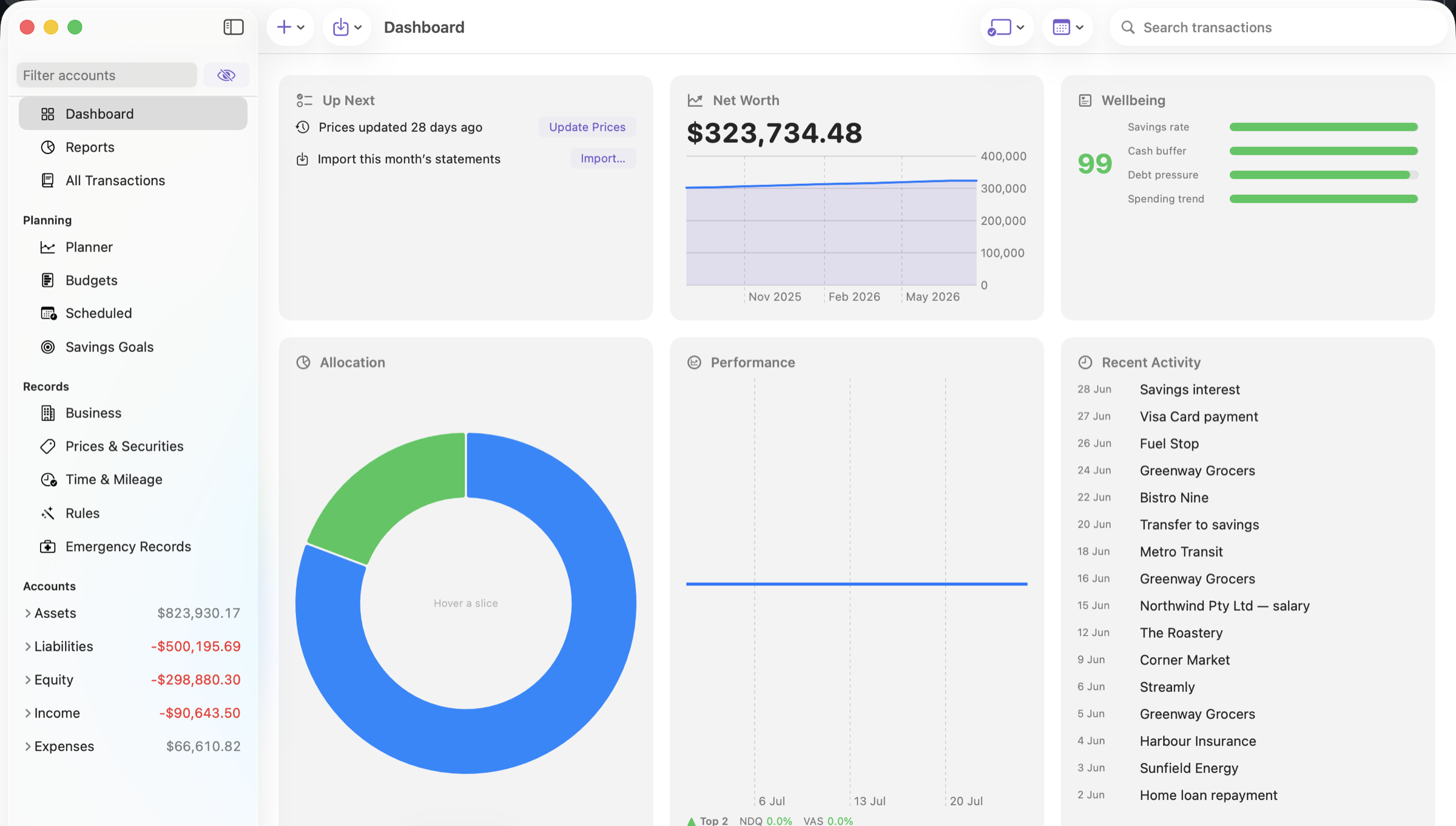
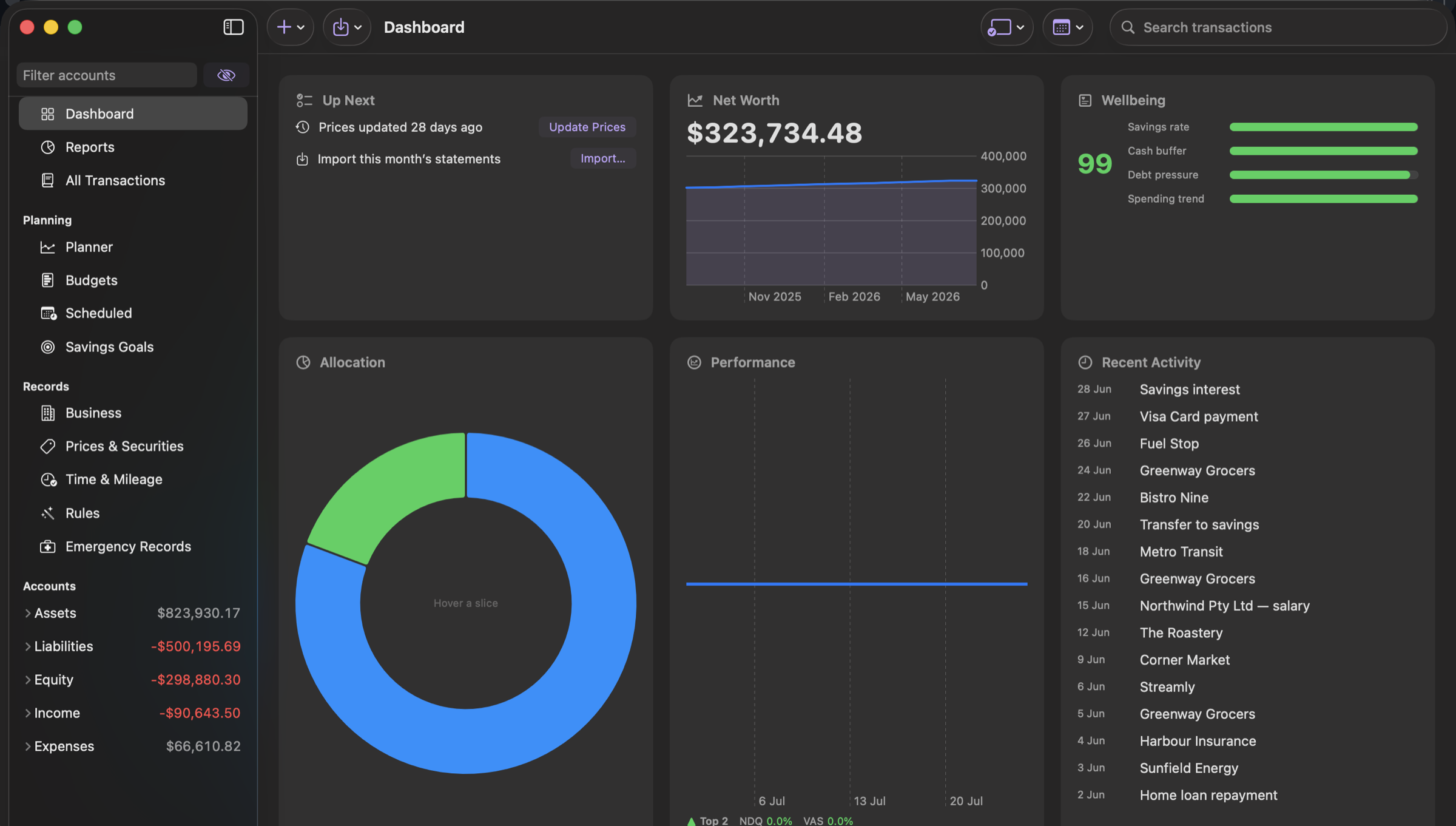
Real double-entry, not a spreadsheet
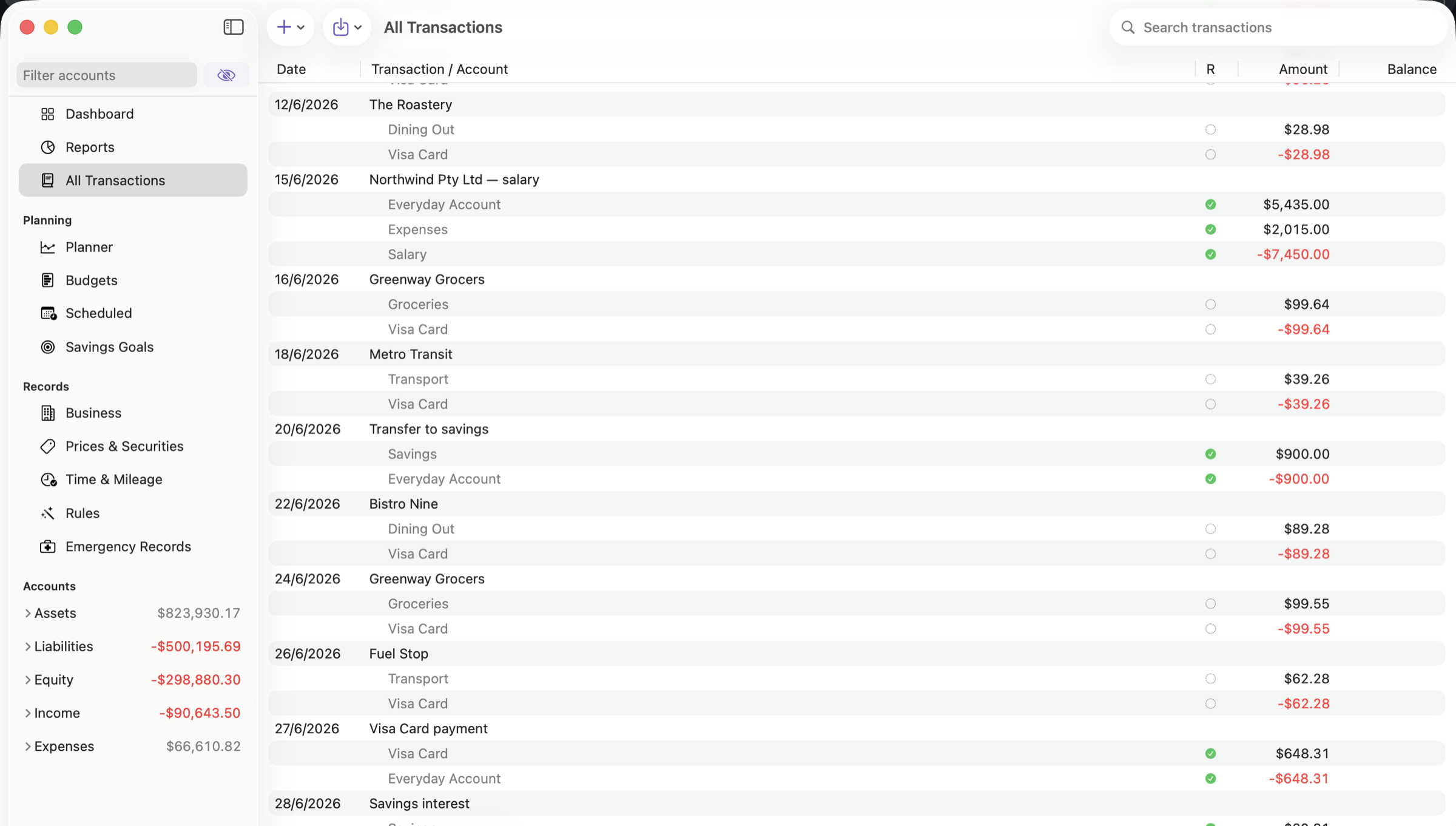
Every transaction moves money between accounts and must balance. That is what makes the reports add up — and what lets FinvestLens agree with GnuCash to the cent on a 46,000-transaction book.
Your book is a file you own
One SQLite document on your disk, in iCloud Drive, on a NAS or in your own Box account. No account to create and no server of ours to trust. Open it, edit it, back it up like any other file.
Never locked in
Import from GnuCash and export back, losslessly. Read and write plain-text Ledger journals. Query the whole book from the command line. Your data leaves as easily as it arrived.
Everyday
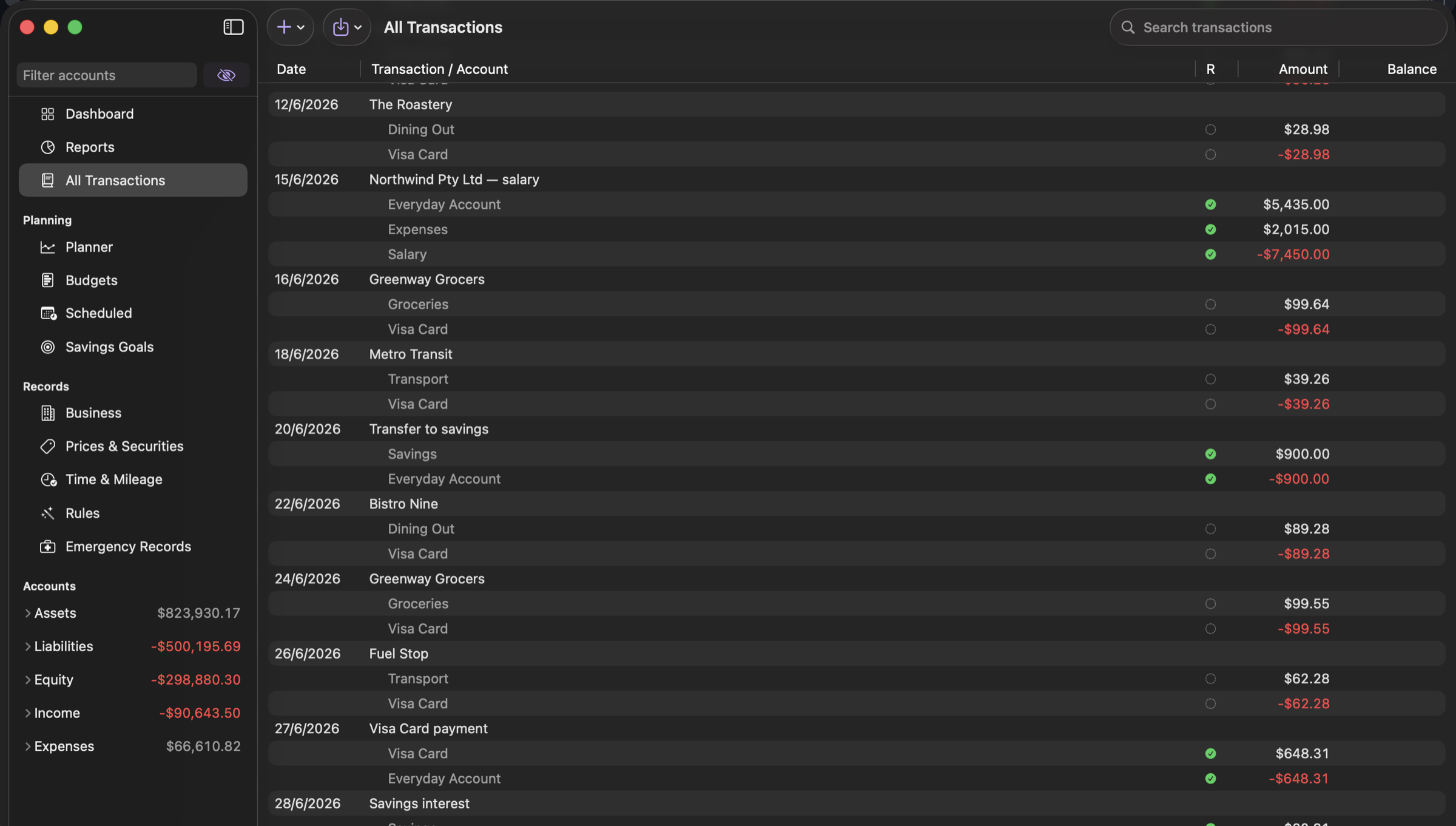
Import a statement, and it lands where it should
CSV, QIF, OFX/QFX, SWIFT MT940 and ISO 20022 CAMT.053 — the format is detected from the file. Duplicates are caught, transfers between your own accounts are completed rather than doubled, and payees you have categorised before are categorised again the same way.
Reporting
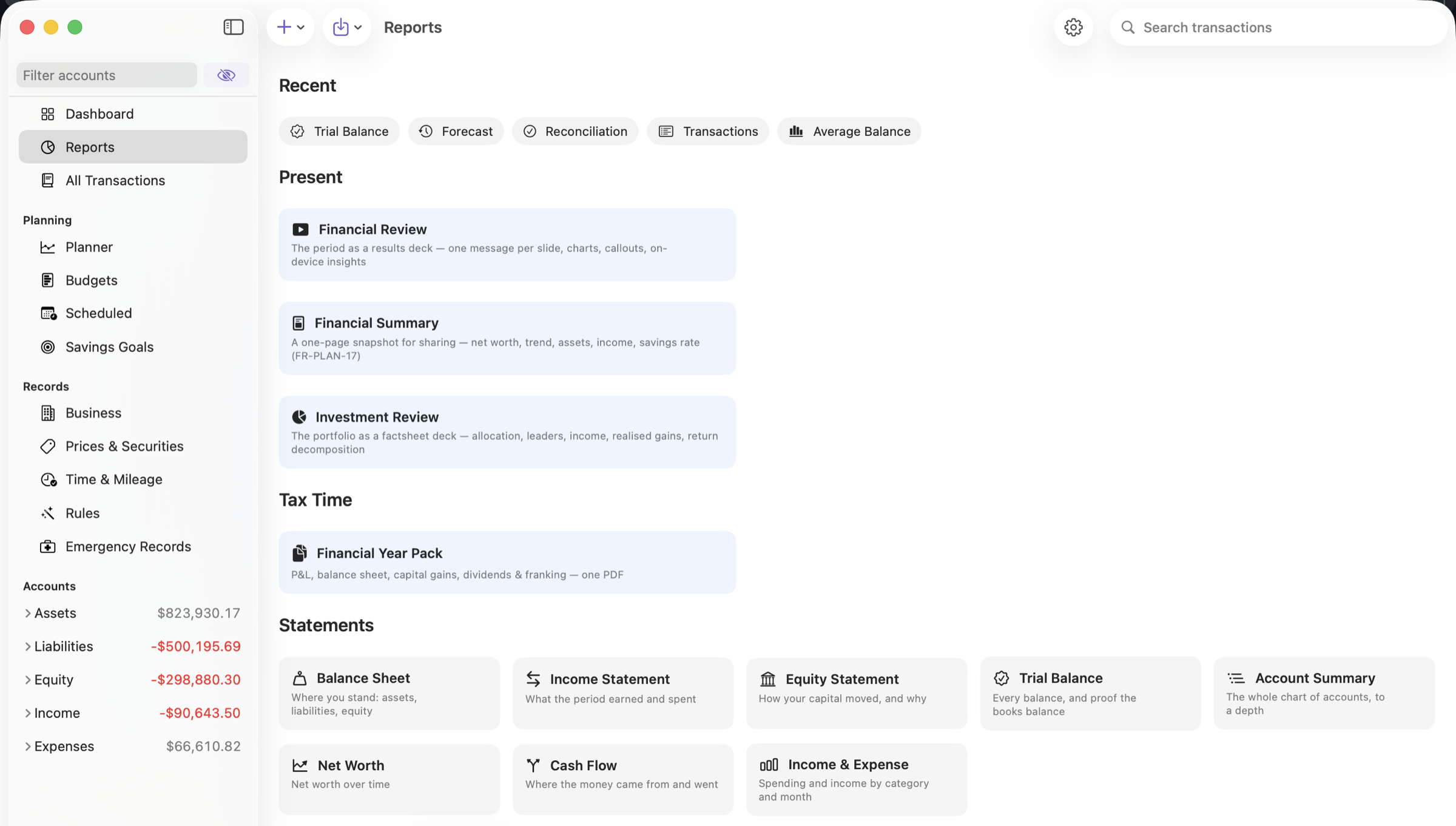
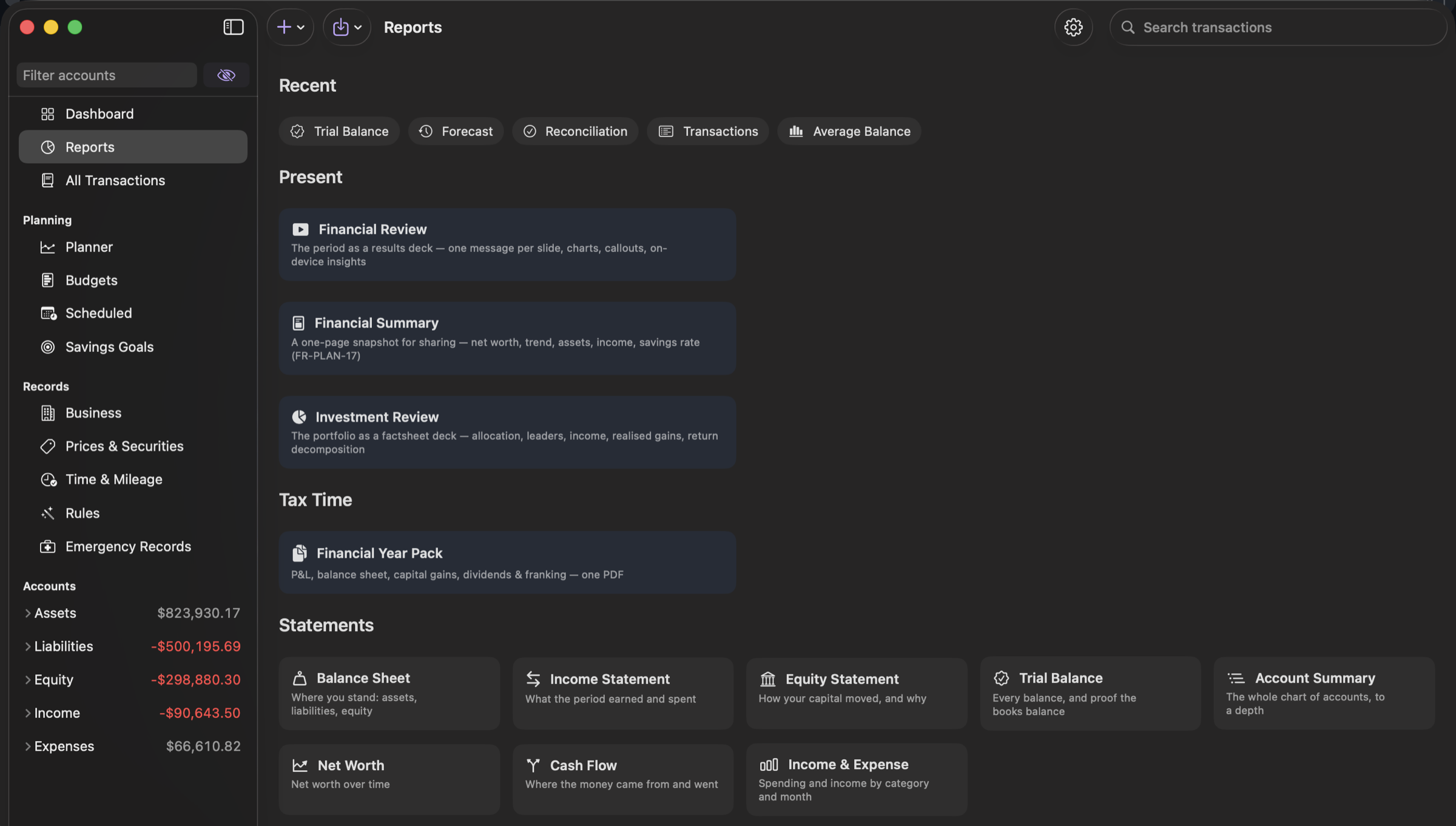
Statements at annual-report standard
Balance sheet, income statement, trial balance and cash flow, built from your own chart of accounts with comparatives and accounting typography. Plus two presentation decks — a CFO-style Financial Review and a factsheet Investment Review — whose commentary is written from your figures, with every number checked against them before you see it.
Investing
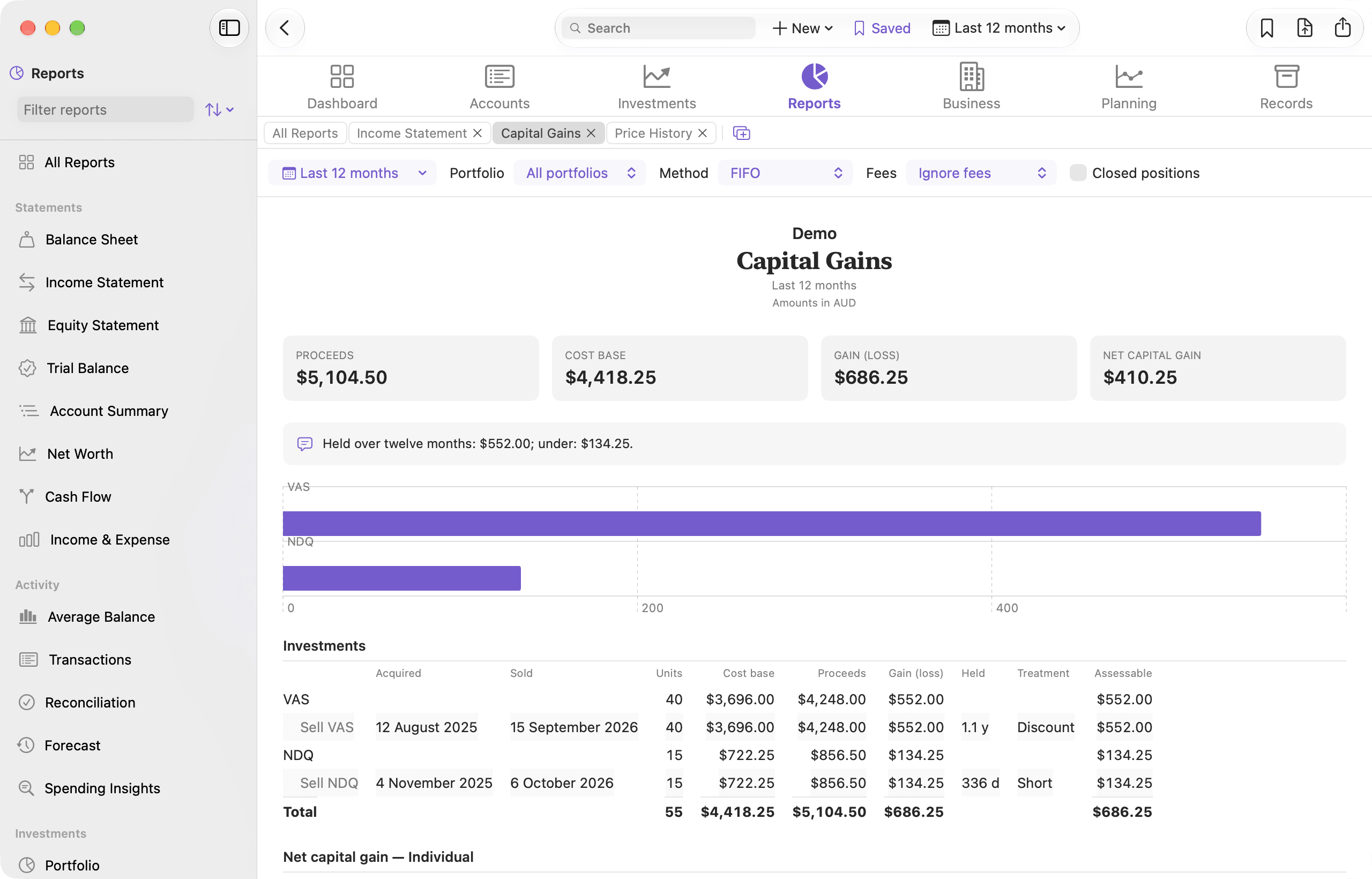
Capital gains the way a tax return wants them
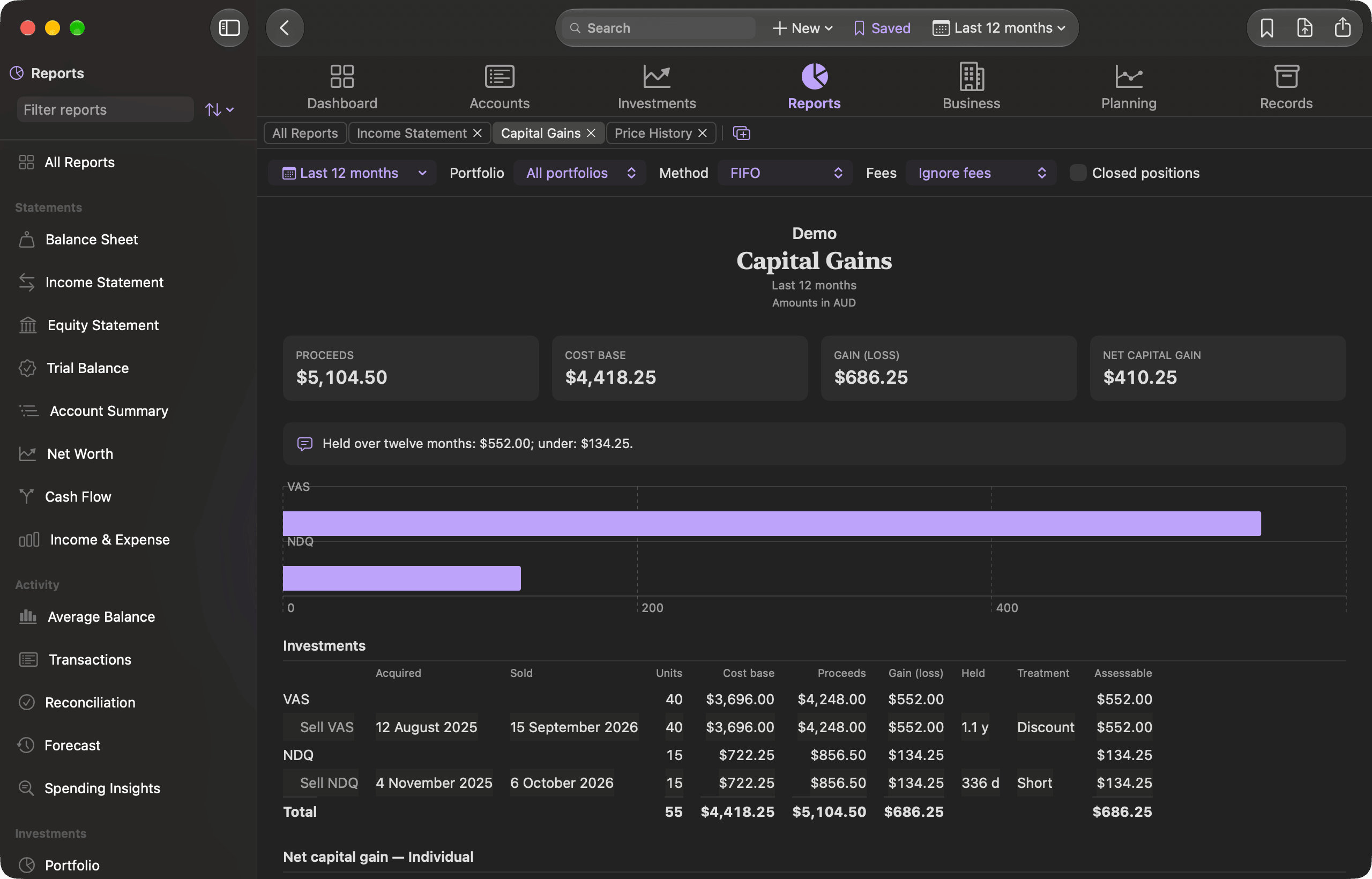
Every parcel sold, with when it was bought and sold, its cost base and proceeds, how long it was held and how the ATO treats it — then the year’s net capital gain, including the changes from 1 July 2027. Total return since you bought, with a money-weighted annual rate, and income, historical cost and returns by financial year beside it.
Prices
A price history you can actually read
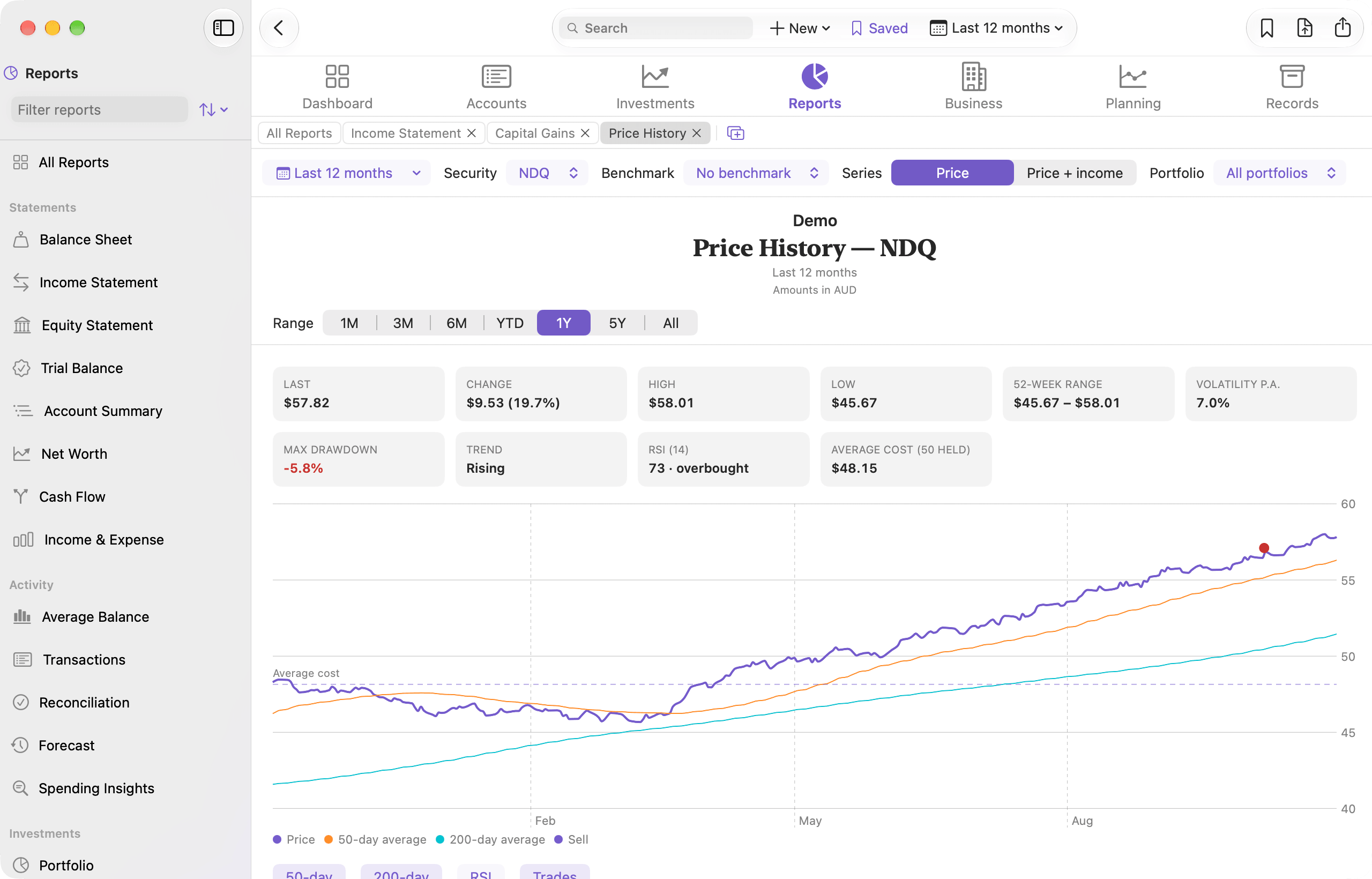
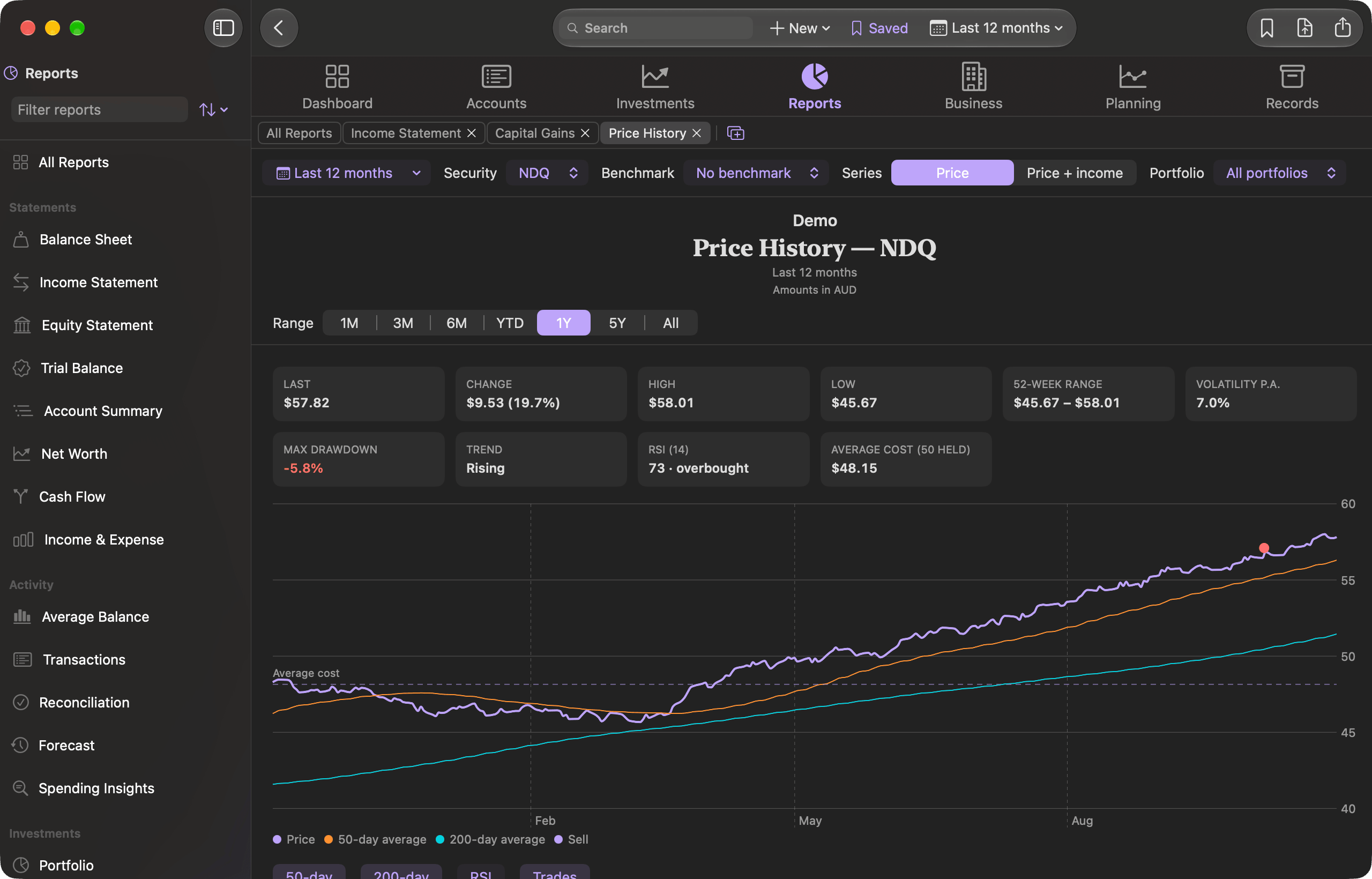
One security over any period, with its 50- and 200-day averages and their crosses, the RSI, your own buys and sells against your average cost, and the range’s high, low, volatility and largest fall. Add the income it paid to see total return, and draw a benchmark beside it — a cash rate you set, or any other security or index you hold prices for.
iPhone and iPad
The same book, in your pocket
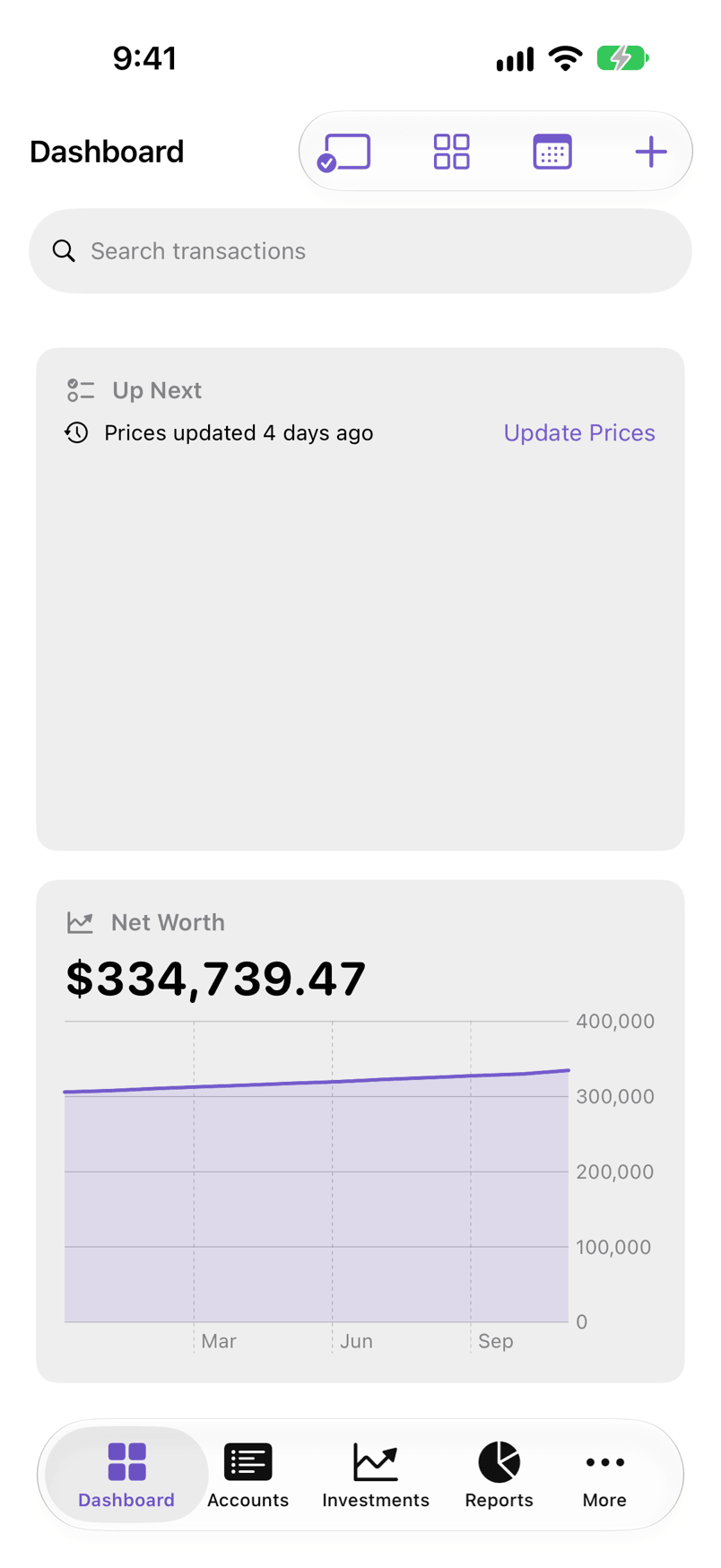
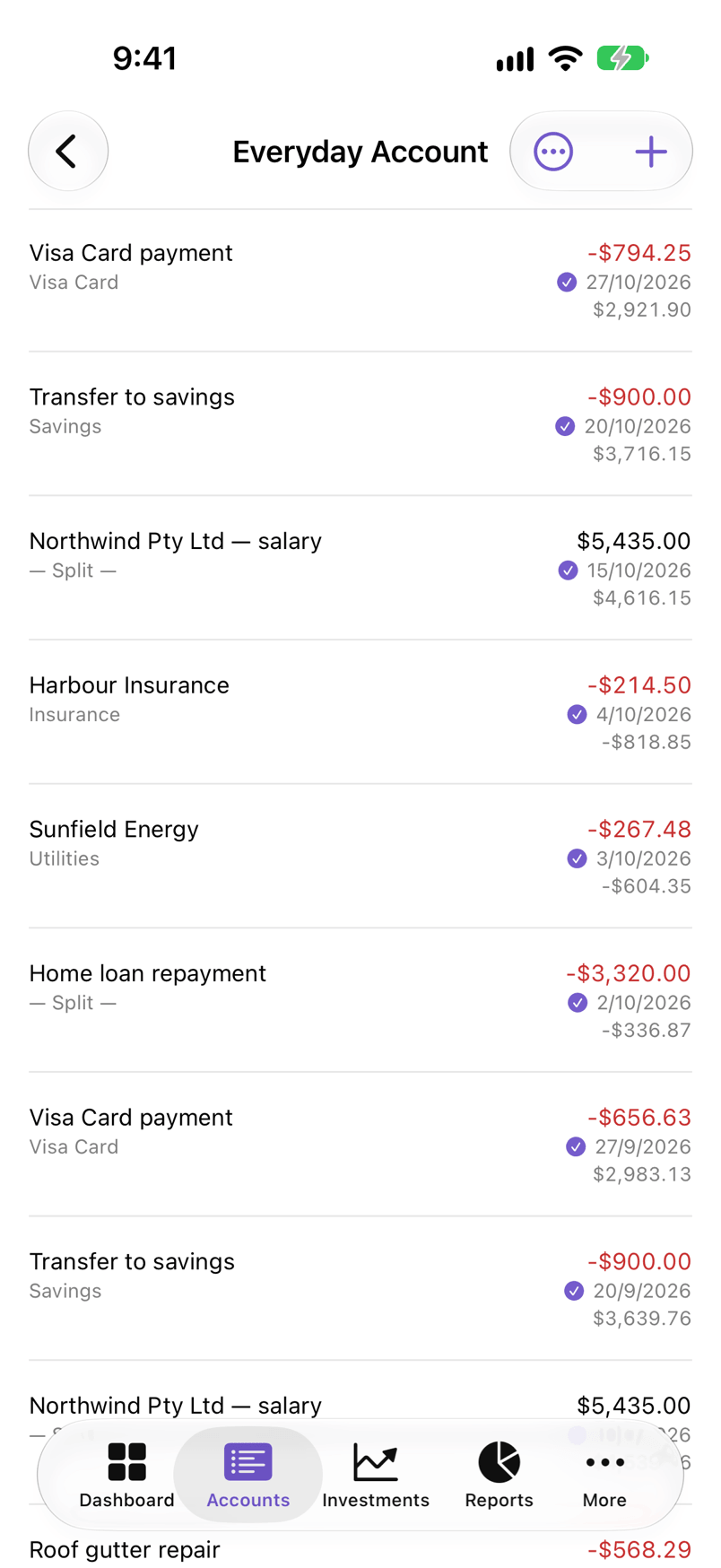
On iPhone, FinvestLens has a layout of its own: a tab for each area, a register you can read at a glance, and a form for entering a transaction. Keep your book in iCloud Drive and open it on any of your devices. Bank files are imported on iPad or Mac, and a GnuCash file or Ledger journal on a Mac.
Apple Intelligence
Apple Intelligence reads your paperwork
Point Smart Import at a PDF bank statement, dividend notice or invoice. It is read, matched to transactions already in your book, linked and categorised. Bank statements are always read on your device; for the rest you choose your device, Apple’s Private Cloud Compute where it is offered, or a model of your own. Nothing is ever sent to us.
- 1
Reads the rows
Including scanned pages, not just digital PDFs.
- 2
Finds the match
Against transactions already in your book, in any account.
- 3
Files it away
Links the document and suggests the category.
Built to let you leave
An accounting app you cannot get your data out of is a trap. FinvestLens reads and writes the formats the rest of the world uses.
- GnuCash XML
- Import and export, round-trip verified byte-identical
- Ledger journals
- Plain-text accounting in and out, GUIDs preserved
- CSV · QIF · OFX/QFX
- Bank and broker downloads, with saved column profiles
- MT940 · CAMT.053
- SWIFT and ISO 20022 statements, auto-detected
- finlens CLI
- A read-only, ledger-modelled reporter over your book
- Shortcuts & widgets
- App Intents, Spotlight, Control Center, Quick Look
Your finances stay yours
There is no FinvestLens account, no analytics and no server of ours. The app goes online only when you ask it to — for prices, the consumer price index, your own Box account or, if you allow it, Apple’s Private Cloud Compute — and nothing is ever sent to us.
Read the privacy policyBring your money into focus.
Free software, on the App Store or as a notarized download. Import your GnuCash file and pick up where you left off.
Read the manual